
The Galaxy Tab S10 Ultra is the kind of tablet that looks irresistible under bright store lights: enormous AMOLED screen, slim metal body, included S Pen, and enough processing power to replace a laptop for some people. I understand the appeal. I also spent eight years processing tablet returns, and I have seen what comes back. The honest question is not whether this is an impressive tablet. It is whether you will still enjoy carrying and using something this large after the first two weeks.
The real-world appeal of Samsung's largest tablet
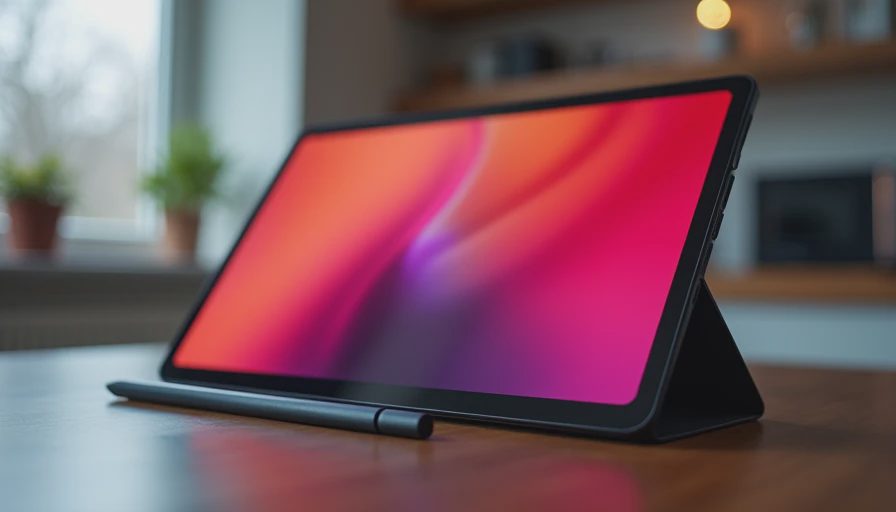
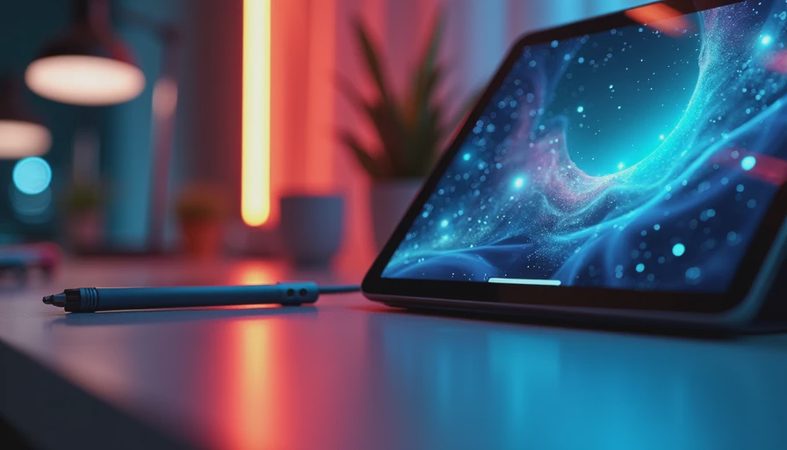
The first thing you notice is the 14.6-inch display. It is outstanding for movies, split-screen work, comics, sheet music, and drawing. Black levels look genuinely dark, colors are rich without requiring much adjustment, and the 120Hz refresh rate makes scrolling feel immediate. A smaller tablet feels like a handheld device beside it; this feels more like a portable monitor with an Android operating system attached.
Samsung also includes the S Pen, which changes the value calculation. You can mark up a PDF, write a grocery list, sketch a floor plan, or sign a document without buying a separate accessory. DeX mode adds a desktop-style interface with resizable windows, and Samsung's keyboard accessory can make email and browser work more comfortable. The Galaxy Tab S10 Ultra can be a very capable second screen or travel workstation when paired with a phone, monitor, or Bluetooth keyboard.
That said, the size is not a free upgrade. It weighs enough to make one-handed use awkward, and the wide body does not fit naturally on every lap. On a couch, I often found myself reaching for a smaller tablet because I wanted to read without arranging a stand or pillow. The giant panel is a benefit at a desk and a nuisance in bed.
Performance, software, and the things you actually touch
The Galaxy Tab S10 Ultra has plenty of speed for normal tablet work. Apps open quickly, multiple browser tabs remain usable, and games such as Genshin Impact can look excellent with appropriate settings. It is also quiet because there is no fan. For illustration, Samsung Notes, Clip Studio Paint, and video editing, the combination of display area and responsive pen input is more useful than a benchmark score.
The software experience is more flexible than the familiar iPad approach, but it takes some patience. Android tablet apps are better than they were a few years ago, yet some still look like stretched phone apps. Samsung's multitasking tools are powerful, though first-time users can spend an evening learning gestures, panels, and window behavior. If you enjoy adjusting settings, this is a strength. If you want every app to behave perfectly without setup, the experience can feel unfinished.
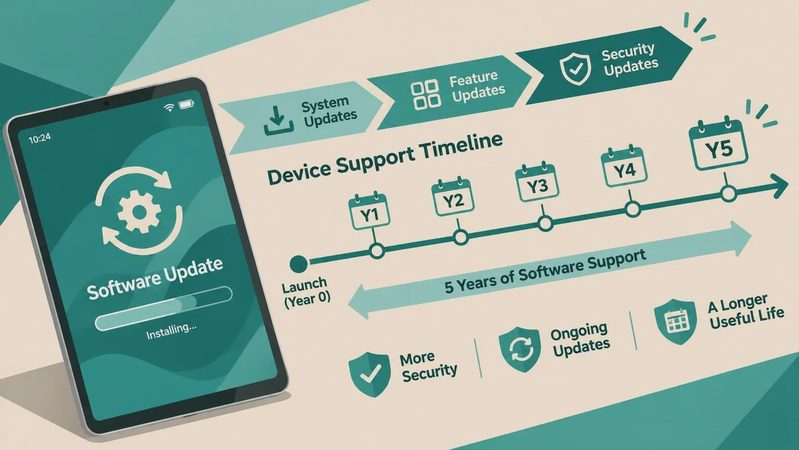
Samsung's update support is a meaningful advantage for a premium purchase. You should still check the exact storage and connectivity version before ordering, because Wi-Fi and cellular models serve different buyers. The base storage can also feel tight if you download large games, movies, or raw illustration files. A microSD card helps with media and documents, but it does not make every app installation problem disappear.
Who will get their money's worth?
The Galaxy Tab S10 Ultra makes sense for a student who studies at a desk, a creative user who wants a large drawing canvas, or a household that shares one screen for streaming and homework. It is especially compelling when the S Pen and display replace separate purchases. A digital artist who currently draws on a cramped phone or small tablet will notice the difference immediately.
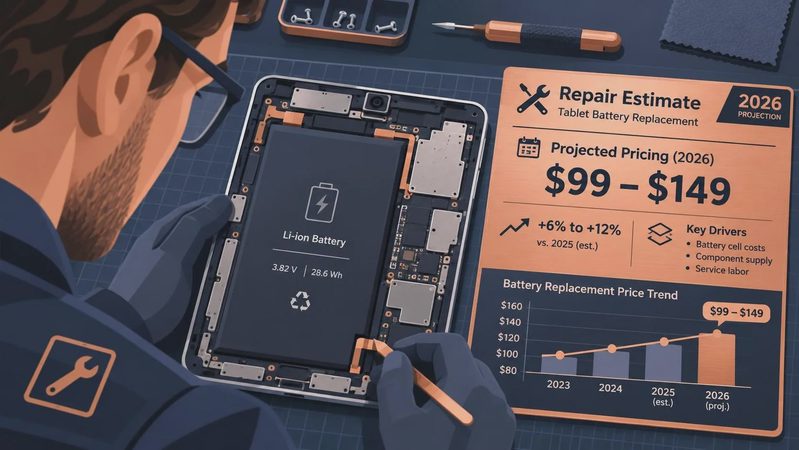
It is less convincing as a family tablet for young children. The screen is beautiful, but the replacement cost is uncomfortable, and the large glass surface is difficult for a child to hold safely. During my retail years, customers often bought the biggest screen for family use and returned it because the kids needed something lighter. A protective case, screen protector, and strong parental controls are not optional expenses here; budget roughly $70 to $150 for sensible protection and a stand.
The Galaxy Tab S10 Ultra is also not automatically a laptop replacement. DeX handles documents, email, and browser work well, but specialized Windows or macOS software still requires another computer. The keyboard cover improves typing, yet adding it can push the total cost into laptop territory. At that point, you need to value the tablet's screen, pen, and flexibility rather than assuming it is a cheaper computer.

Galaxy Tab S10 Ultra versus smaller alternatives
Before buying the Galaxy Tab S10 Ultra, compare it with the Galaxy Tab S10 Plus, an iPad Air, and a lightweight laptop. The S10 Plus is easier to hold and store while keeping the S Pen experience. An iPad Air generally offers a broader tablet-app ecosystem and strong accessory support, though the Pencil costs extra. A laptop wins for long typing sessions, file-heavy work, and desktop applications.
The larger Samsung wins when screen area is your priority. Two documents are genuinely readable side by side, a timeline in a video editor has room to breathe, and a movie feels closer to a small television. The smaller alternatives win when portability matters every day. Try physically holding the tablet in a store for several minutes, not just admiring it on a display table. Notice your wrists, the case, and whether you can reach the controls without shifting position.
Price should be judged against the complete setup. During sales, the tablet itself might fall by several hundred dollars, but the keyboard, case, and higher storage tier can erase much of that discount. Samsung promotions often bundle accessories, so compare the final package rather than the headline price. A good deal is one that matches your use, not merely the largest percentage shown on a product page.
My return-data verdict
I would recommend the Galaxy Tab S10 Ultra to a specific buyer, not everyone who wants a premium tablet. Buy it if you have a desk, regularly use split-screen apps, draw or annotate documents, and genuinely want the biggest Android display. Skip it if your normal tablet use is reading in bed, checking recipes, carrying it between classes, or handing it to children. In those situations, a smaller model will probably be used more often.
The best test is simple: place a book or laptop-sized object on your usual chair, desk, or nightstand and imagine the tablet living there. If the footprint feels manageable, the screen and S Pen make this a remarkably capable device. If it already looks excessive, listen to that reaction. The Galaxy Tab S10 Ultra is impressive enough to sell itself in a store, but long-term satisfaction comes from choosing the size you will reach for, not the size that wins the specification argument.
No comments yet — be the first to share a thought.