
If you want the tablet with longest software support, do not start with the brightest screen or the biggest storage number. Start with how long the manufacturer will keep fixing security problems, adding operating system features, and supporting the apps you use every day. After eight years selling tablets and processing the returns, I have seen what comes back. A tablet that feels fast in the store can become an awkward paperweight when software updates stop.
The good news is that buyers have several genuinely long-lived options now. Apple remains the safest bet for predictable updates, Samsung has improved its promise substantially, and Google’s Pixel Tablet offers a clean Android experience with a clearer support policy than many older Android models. The best choice depends on your budget, phone, accessories, and tolerance for replacing hardware before it wears out.
What software support actually covers
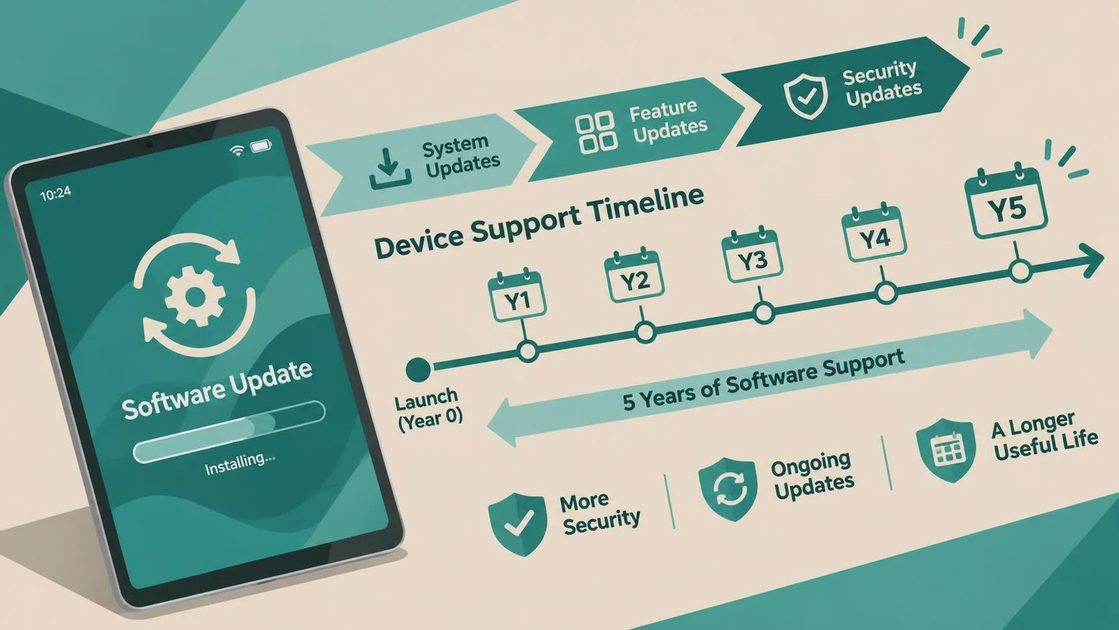
Software support has three related parts. Major operating system updates add features and change the tablet’s interface. Security updates close vulnerabilities, even when the tablet does not receive every new feature. App compatibility determines whether services such as Netflix, Microsoft 365, Zoom, banking apps, and school platforms still install and work properly.
A manufacturer’s advertised support period is not always the same as the useful life you will experience. An update can arrive late on a carrier-specific model. A budget tablet may technically receive patches but run a newer operating system poorly because its processor is weak. Storage also matters: a 64GB tablet can become cramped after several years of photos, downloads, and system files.
For most buyers, the tablet with longest software support should have at least 128GB of storage, a processor with enough headroom, and a company with a visible update schedule. Those details prevent the common return I saw at the store: a customer buying the cheapest model, filling it within a year, and blaming the tablet when it becomes slow.
Apple iPad: the dependable long-term choice
If your priority is the tablet with longest software support and you do not mind iPadOS, start with the standard iPad or an iPad Air. Apple has a strong record of supporting iPads for many years, and updates usually reach compatible models at the same time. That consistency is valuable for a parent managing a child’s school apps or an older adult who does not want to learn a new interface every year.
The current standard iPad is usually the value pick, while the iPad Air makes more sense for illustration, video editing, or demanding multitasking. I would avoid paying extra for an iPad Pro unless you specifically need its display, cameras, or professional performance. The standard model often survives ordinary browsing, streaming, reading, and video calls for longer than its price suggests.
Apple also has the advantage of a large accessory and repair ecosystem. Cases, keyboards, replacement chargers, and used accessories are easy to find. The drawback is cost: adding a keyboard and Apple Pencil can turn a reasonably priced tablet into a $600 or $800 purchase. Still, buyers who keep devices for five or more years often get better value from an iPad than from replacing two inexpensive Android tablets.
Samsung Galaxy Tab: Android support without the bargain-bin compromises
Samsung is the strongest mainstream Android contender for shoppers seeking the tablet with longest software support. Recent premium Galaxy Tab S models have received a multi-year update commitment that is far better than the vague promises attached to many low-cost tablets. The Tab S9 and newer premium lines also have fast processors, excellent displays, and DeX mode, which gives the interface a more desktop-like layout.
For families, a Galaxy Tab S9 FE can be more sensible than the flagship. It costs less, supports a stylus, and handles streaming, homework, light drawing, and casual games comfortably. Just understand the tradeoff: FE models generally have less performance and a less impressive screen than the S series. That is fine for a student or parent, but heavy multitasking will expose the difference.
Samsung’s software has more menus and duplicate apps than a basic iPad or Pixel Tablet. I have seen customers return Galaxy Tabs because they expected Android to feel exactly like their phone. If you already use a Samsung Galaxy phone, that learning curve is much smaller, and features such as Quick Share and device continuity become useful rather than confusing.
Google Pixel Tablet and other Android options
The Pixel Tablet is appealing if you want clean Android, Google Assistant integration, and fewer manufacturer extras. It is pleasant for reading, YouTube, recipes, and smart-home controls, especially with its charging speaker dock. Google’s support policy is clearer than what many Android tablet brands provide, but its hardware lineup is smaller and its accessory choices are not as broad as Apple’s or Samsung’s.
When comparing the tablet with longest software support, do not assume every Android tablet benefits from Android’s overall reputation. Lenovo, OnePlus, Amazon Fire, and smaller brands can offer good value, but their update schedules differ by model. Amazon Fire tablets are inexpensive and work well for basic streaming and children’s content, yet they use Fire OS rather than standard Google Android and are not my first recommendation for a decade-long purchase.
A $150 tablet can be the right answer for a child who mainly watches downloaded videos. It is usually the wrong answer for someone expecting reliable banking, work, drawing, and video-call support through many future software versions.
How to compare support before buying
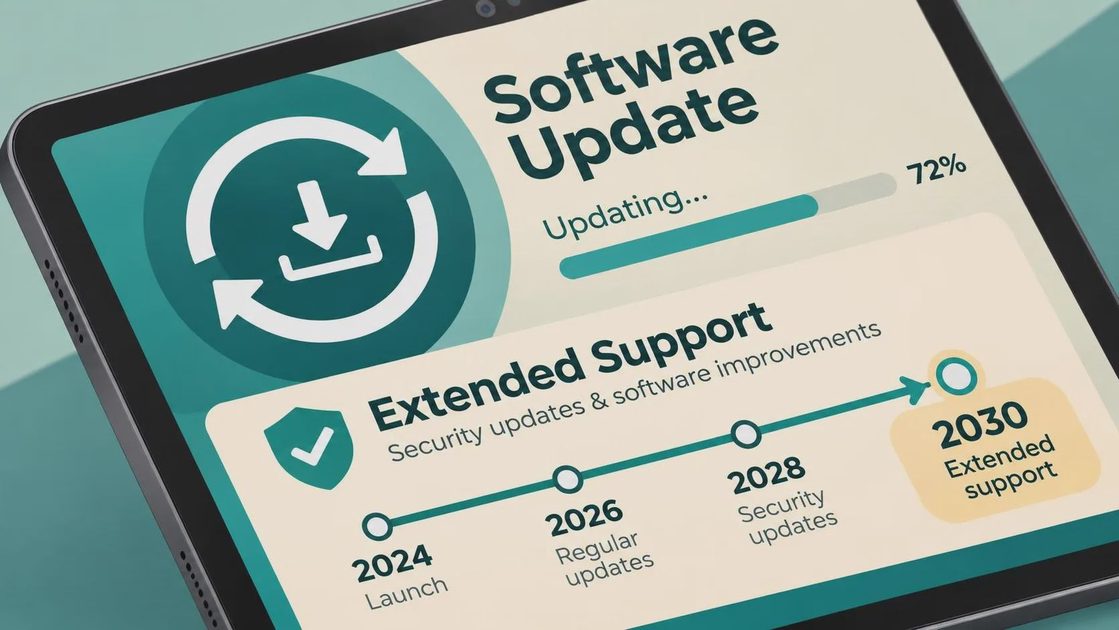
Start on the manufacturer’s product page and look for a specific end date or a stated number of operating system and security updates. If the wording only says “regular updates,” treat that as incomplete information. Search the exact model number, not just the product family, because a standard Galaxy Tab and its FE sibling can have different hardware and update timelines.
Next, check the release date. A discounted tablet launched three years ago may have fewer supported years remaining than a newer model that costs only $50 more. This is why clearance pricing can be misleading. A $249 tablet with two years of meaningful support left is not necessarily a better deal than a $329 tablet with a longer runway.
Finally, price the whole setup. Add a case, screen protector, charger, keyboard, and stylus if you need them. Apple Pencil compatibility varies by iPad generation, while Samsung usually makes S Pen support easier to understand on premium models. A realistic $40 case and $20 charger can matter more to daily satisfaction than a small benchmark advantage.
My practical buying recommendations
For the safest long-term purchase, choose a recent standard iPad with 128GB or more. It is the recommendation I would give to a relative who wants dependable apps and does not care about customizing Android. For an Android household, choose a recent Samsung Galaxy Tab S or S FE model after confirming its support policy. For a simple Google-first experience, consider the Pixel Tablet when its price is competitive and the dock fits your routine.
Students should prioritize battery life, a durable case, note-taking support, and enough storage over a premium camera. Parents should consider separate user profiles, parental controls, and replacement screen costs. Seniors often benefit from a bright display, loud speakers, simple settings, and a manufacturer with accessible troubleshooting guides.
The tablet with longest software support is not automatically the most expensive tablet on the shelf. It is the model that combines a credible update commitment with hardware you will still enjoy using in three or four years. Spend on the processor and storage before chasing a thinner body or extra cameras.
Before checkout, verify the exact model, storage capacity, release date, update promise, return period, and accessory prices. Then buy from a retailer with a straightforward return policy and test your real routine immediately: email, streaming, reading, printing, calls, and any school or work apps. That five-day test catches more problems than an hour of watching benchmark videos. If you choose carefully, the tablet with longest software support can save you from the most expensive upgrade of all: replacing a device that should have lasted.
No comments yet — be the first to share a thought.