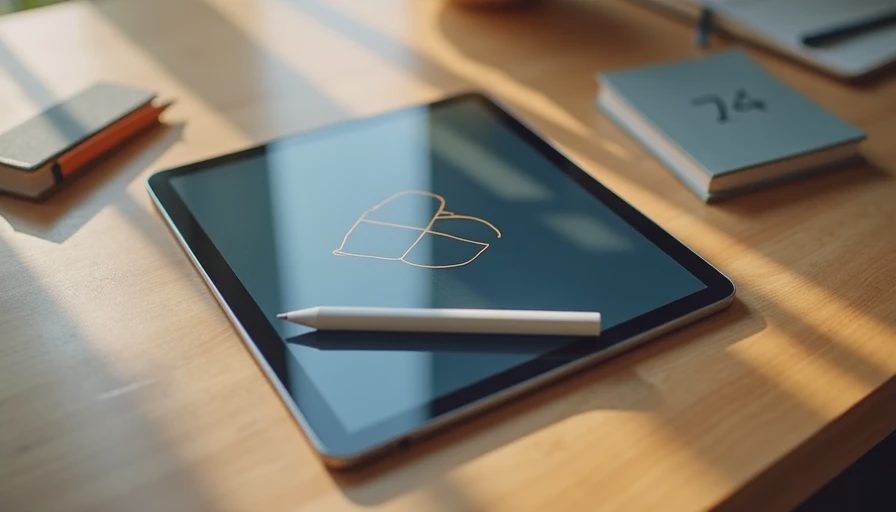
The Mistake Most Beginners Make
When someone decides they want to start digital drawing, the first instinct is often to chase the highest pressure sensitivity number or the biggest name. I’ve watched that instinct lead to returns more than once. The tablet arrives, the person tries it for a week, and then the device goes back because it felt awkward, the stylus didn’t click with them, or the whole setup was more complicated than expected.
I’ve seen what comes back. Beginners return drawing tablets for different reasons than general users. Latency that feels fine in a review video becomes annoying when you’re learning. A heavy device gets left on the desk. Software that requires too many steps kills the urge to practice.
The goal for a first drawing tablet under $400 is not maximum professional specs. It is the setup that stays pleasant enough that you actually keep using it.
What Actually Matters for Beginners
After handing several options to new drawers (including myself when I first started messing around with digital illustration on a tablet), a short list of priorities keeps showing up:
Low enough latency that lines feel connected to the pen tip
Palm rejection that works without constant frustration
A screen size that feels natural for sketching without being huge and heavy
Software that lets you start making marks quickly
A stylus that feels balanced and doesn’t need constant charging anxiety
Everything else—ultra-high refresh rates, exotic color gamuts, extreme pressure levels—can come later if the habit sticks.
The Recommendation I Keep Making
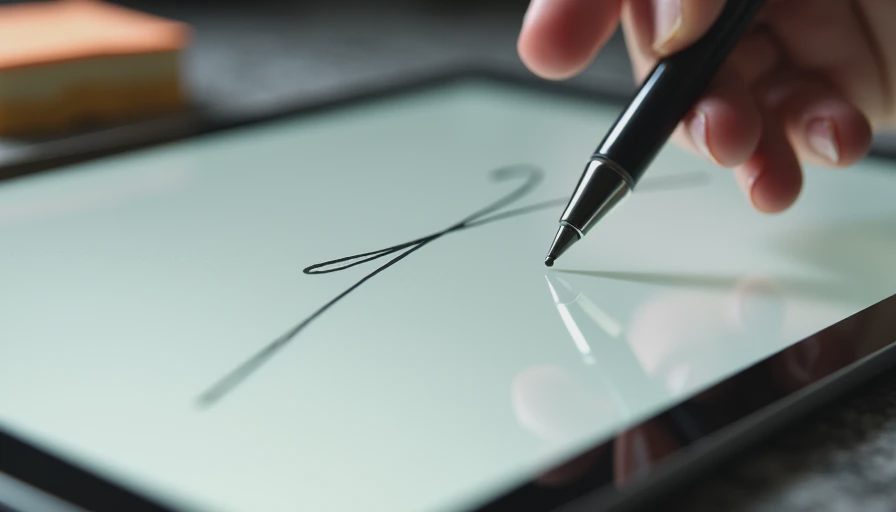
In the under-$400 range, the current base iPad paired with a first-generation or refurbished Apple Pencil (or a solid compatible alternative when the budget is tight) remains the combination I point beginners toward most often.
The screen is responsive enough for learning. Palm rejection is mature. The side of apps available for sketching and painting is large and beginner-friendly. And the whole system stays usable for years if the person continues. I’ve watched people start on a base iPad and still be happy with it long after they outgrew the absolute beginner stage.
At the time of writing, a base iPad plus a workable stylus can still be put together under $400 during sales or with careful shopping on the Pencil side. That combination has survived more real-world beginner use in my observation than the pure Android alternatives in the same budget.
Strong Android Alternatives Worth Considering
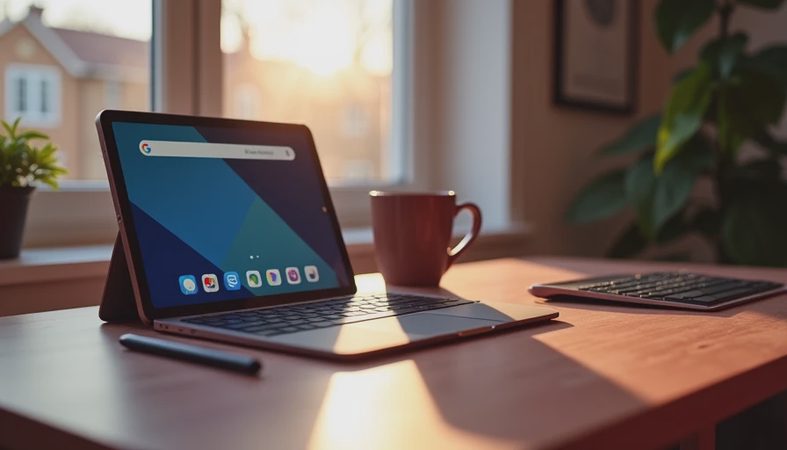
Android options have improved. Some mid-range tablets with included or inexpensive styluses now offer good enough latency and pressure support for learning. A few come with drawing apps pre-installed or easily available that are perfectly capable for practice.
The advantage is often price and included accessories. The risk is software consistency and long-term app optimization. Drawing apps on Android can feel slightly less polished, and update support varies more widely by brand. If you prefer Android or already live in that ecosystem, a well-reviewed mid-range model with active stylus support can work. Just test the pen feel and palm rejection carefully within the return window.
I’ve returned one Android drawing-focused tablet myself because the stylus experience never felt natural enough to practice on for longer sessions. That personal return still colors how carefully I recommend the platform for pure beginners.
What I Tell People to Skip at the Start
Skip the largest, most expensive screens until you know you want to keep drawing. Skip specialized pro software subscriptions until basic tools feel comfortable. Skip anything that requires a steep setup process before you can make the first stroke.
The biggest enemy of a new drawing habit is friction. Every extra step between “I have a free half hour” and “I am making marks on the screen” raises the chance the tablet ends up unused.
How to Test It in the First Week
When the tablet and stylus arrive, do three simple things before the return window gets short:
Spend at least three separate sessions just drawing basic shapes and lines. Notice whether the pen feels like an extension of your hand or a fight.
Rest your palm on the screen the way you naturally would with paper. See if rejection works without constant adjustment.
Open the simplest drawing app and try to make something small without watching a tutorial first. If the interface fights you, note it.
If any of those steps feel consistently annoying, send it back. The right beginner tool should make practice feel possible, not like a technical chore.
The Longer View
Some people will outgrow a base setup quickly and move to higher-end hardware. That’s fine. Others will stay happy with a solid mid-range tablet for years of casual sketching and note-taking. Both outcomes are better than buying an expensive device that gathers dust because it never felt inviting.
I’ve seen what comes back. The drawing tablets that stay in the house are usually the ones that got out of the beginner’s way early. Under $400 you can still put together a setup that does exactly that. Start there. Add complexity only after the habit is real.
The best first drawing tablet is the one you actually pick up again tomorrow.


No comments yet — be the first to share a thought.