
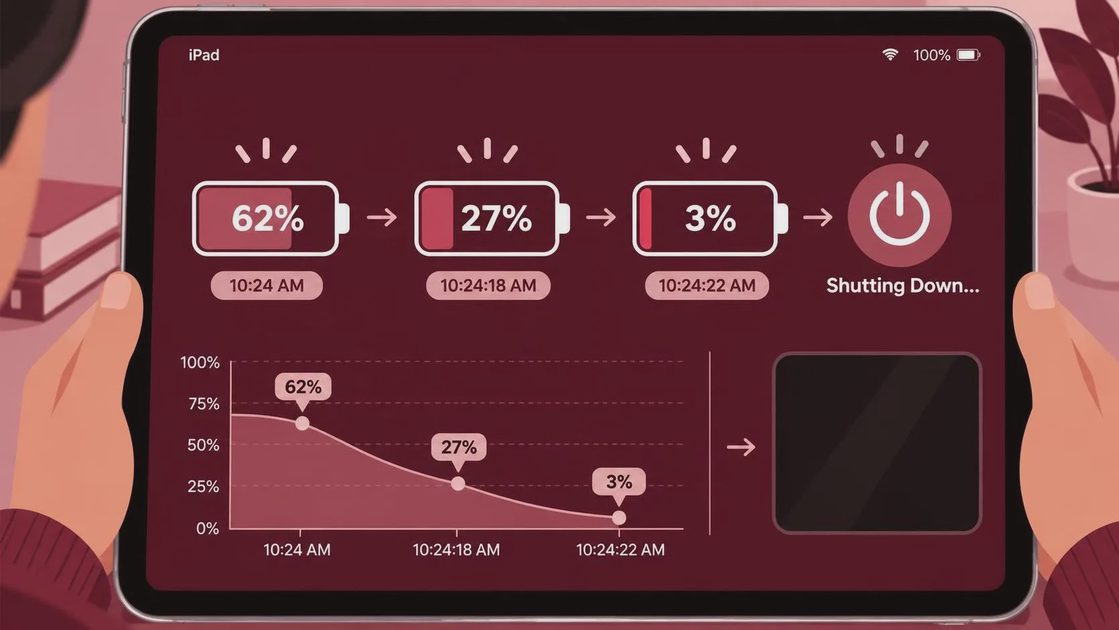
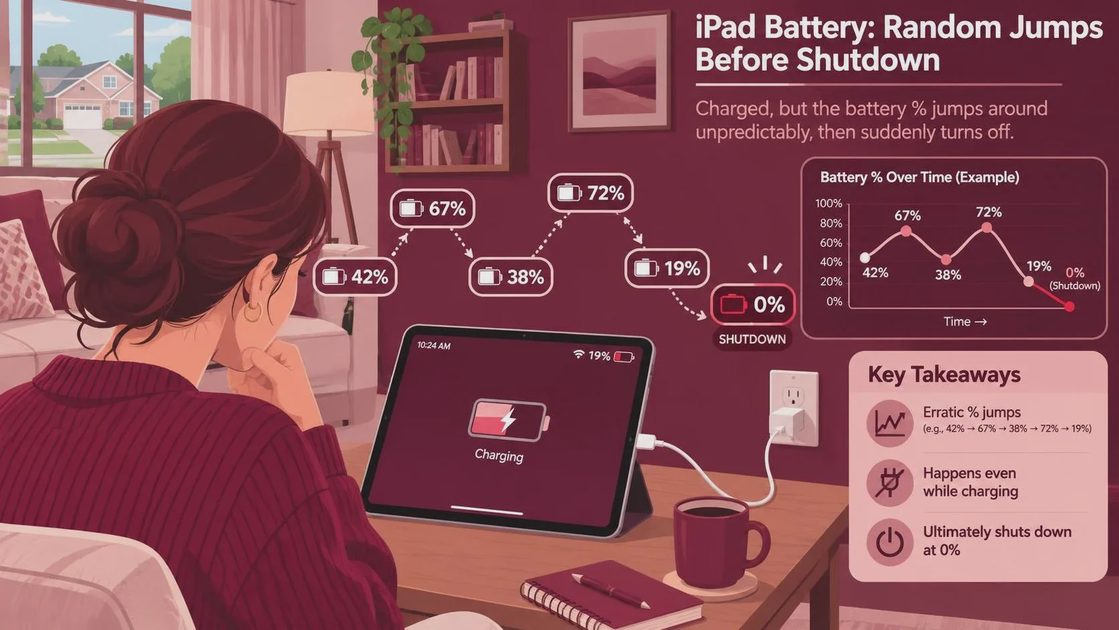
If your iPad battery percentage jumps randomly shuts down before reaching zero, the battery may be worn, the charge estimate may be inaccurate, or the iPad may be struggling with temperature, charging equipment, or software. Start by backing up your data, then charge it with a known-good cable and adapter. If it keeps shutting down at a substantial charge after the checks below, arrange a battery evaluation rather than buying a replacement tablet on a hunch.
A sudden drop from 40% to 10% is not proof that a battery needs replacing. But a tablet that repeatedly dies with charge showing is not something I would trust for a flight, a school day, or a video call. I've seen what comes back: people want a device that stays on, not a collection of reassuring settings screens.
First, protect your data and check for danger
If the iPad will stay on long enough, make a backup before troubleshooting. For an iCloud backup, connect to Wi-Fi, open Settings, tap your name, then iCloud, and look for iCloud Backup. You can also back up to a Mac using Finder or to a Windows computer using Apple Devices or iTunes, depending on your setup. Confirm the backup completes rather than assuming it did.
If the screen is lifting, the case is bulging, or the device is unusually hot, stop using and charging it. Disconnect it if you can do so safely, place it away from flammable materials, and contact Apple or an authorized service provider. Do not press the screen back down, puncture the device, or put it in a refrigerator.
A little warmth while charging can be normal. Heat that makes the iPad uncomfortable to handle, especially alongside swelling or a chemical smell, is a different situation.
Rule out charging and temperature problems
Plug the iPad into a wall outlet using a compatible power adapter and cable that you know work. Leave it charging for at least 30 minutes, particularly if it shut off and will not immediately restart. A computer USB port or an underpowered adapter may charge slowly, so a wall adapter is a better starting point.
Check both ends of the cable for damage and look at the charging port for visible debris. Disconnect the cable before inspecting it. Don't dig into the port with a metal tool or use liquid; if debris is packed in or the connector feels loose, have a technician look at it.
Temperature matters, too. An iPad left in a cold car can shut down or show misleading charge readings, and excessive heat can interrupt charging or operation. Move it to a room-temperature location and give it time to return to normal before trying again. Don't try to speed that up with a heater, freezer, or direct sun.
Once it starts, notice whether the percentage rises steadily and whether the device stays on after you unplug it. A jump immediately after connecting power can be a useful clue for a technician, but it doesn't identify the cause by itself.
When an iPad battery percentage jumps randomly shuts down repeatedly
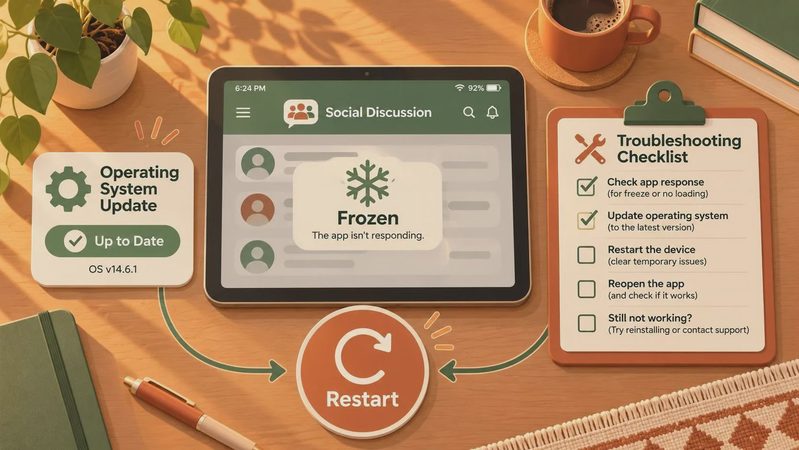
Restart the iPad, then check for an iPadOS update under Settings, General, Software Update. Install an available update after backing up and while the device has adequate power. Updates can fix software problems, but they cannot restore a physically worn battery.
Next, open Settings, Battery. The activity and usage graphs can show when charge dropped and which apps were active. An app using a lot of power may explain fast drain; it does not necessarily explain an instant shutdown at 30%. Note the approximate percentage, the app you were using, and whether the iPad was plugged in each time it happened.
Some iPad models offer a Battery Health screen in Settings, Battery. If yours has one, review the information there. If it doesn't, the missing menu is not evidence of a fault, and you don't need to install a random battery app to fill the gap. A health reading is helpful context, not a guarantee that a device with shutdown symptoms is fine.
Should you drain it to recalibrate the battery?
I wouldn't make repeated full drains your first move. A charge percentage is an estimate, and a complete charge cycle may sometimes make the displayed estimate more consistent, but it won't repair a worn battery. Repeatedly running a lithium-ion battery flat adds wear and can leave you without a working tablet when you need it.
If you want one practical check after the device has returned to room temperature, charge it fully with the known-good setup, then use it normally while watching for another unexpected shutdown. Don't leave it running unattended just to force the battery to zero. If it dies at roughly the same substantial percentage again, write that down and move on to service.
I also wouldn't jump straight to a factory reset. Erasing the iPad is disruptive and may not solve a hardware problem. If support recommends a restore to isolate software, make sure your backup is complete first and follow the instructions for your model.
When to pay for a battery evaluation
Arrange service if the iPad keeps shutting off with charge remaining, only works reliably while plugged in, or loses charge rapidly after the basic checks. Apple or an Apple Authorized Service Provider can assess it and explain the available service options. Ask for a quote before authorizing work; the charge and the way service is handled can vary by model, coverage, and condition.
Have the model name or serial number ready, along with your notes about the shutdowns. Also mention any drops, liquid exposure, or charging-port trouble. Those details can change the diagnosis, and a new battery won't necessarily fix damage elsewhere.
Before spending money, compare the quote with the cost of a suitable replacement and consider whether the iPad still runs the apps you need. If the rest of the tablet meets your needs and the service price makes sense, fixing it can be the cheaper answer. If there is other significant damage, get the full estimate before deciding.




No comments yet — be the first to share a thought.