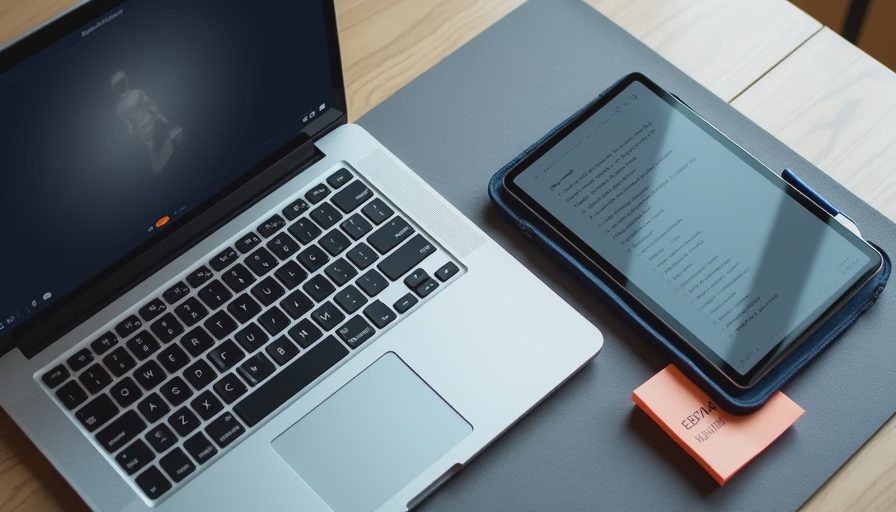
The Question That Never Goes Away
Every back-to-school season the same conversation shows up. A parent or a student stands in the aisle (or messages me) and asks: “Can I just get a tablet instead of a laptop? It’ll be lighter. It’ll be cheaper. It’ll do everything, right?”
I’ve watched that hope turn into returns more times than I can count. I’ve also watched some students make a tablet work beautifully. The difference usually isn’t the marketing. It’s whether the person is honest about the actual work they need to do.
I’ve seen what comes back. Students return both tablets and laptops. The reasons are different, and those reasons matter.
What a Tablet Does Well for School
Let’s start with the strengths, because they are real.
A good tablet is lighter than almost any laptop. It wakes instantly. The battery often lasts longer in mixed use. For reading PDFs, annotating slides, watching recorded lectures, and light note-taking with a stylus, many tablets are genuinely better than a traditional clamshell. The touchscreen and pencil input feel natural for diagramming and markup in a way a trackpad never does.
I’ve handed tablets to students who mostly consume content—reading, highlighting, watching, reviewing—and watched them stay happy for years. If the bulk of the work is absorbing information rather than producing long documents or complex files, a tablet can be the more pleasant daily tool.
The base iPad and a few solid Android options in the mid-range keep showing up as the ones that survive this kind of use without drama.
Where Tablets Quietly Fall Short

The problems appear when the work shifts from consumption to creation.
Long-form writing is the first pain point. Typing extended papers on a tablet keyboard case is fine for short sessions and frustrating for hours. The screen real estate is smaller. Multitasking between research tabs, a document, and citation tools feels more cramped. File management across cloud services and shared drives can get messy faster than on a laptop.
Specialized software is the second issue. Some courses still require programs that simply run better—or only run—on a full computer. Engineering students, design students, and anyone working with heavier data tools usually discover this the hard way.
I’ve taken returns from students who loved their tablet until the first major research paper or group project that needed real multitasking. The device didn’t break. It just stopped being enough.
What a Laptop Still Does Better
A laptop is still the more flexible tool for most degree programs. The larger screen, the proper keyboard and trackpad, the easier window management, and the broader software compatibility add up. When a student needs to write, research, calculate, design, or collaborate in the same afternoon, the laptop usually creates less friction.
Battery life on modern student laptops has improved enough that the old “it dies by lunch” complaint is less automatic than it used to be. Weight has also come down. Plenty of solid options now sit in the 2.5- to 3.5-pound range, which is heavy compared to a tablet but manageable for daily carrying.
The laptops that come back least often are the ones that balance decent build quality with enough power for the actual coursework—not the cheapest plastic machines and not the ultra-premium models most students don’t need.
The Hybrid Reality Most Students Actually Live
In practice, a lot of students end up with both. A laptop for the heavy work and a tablet (or even a large phone) for reading and quick notes. That combination is more common than pure tablet or pure laptop setups once you look past the first semester.
If budget forces a single-device choice, I ask three questions:
How much long-form writing and complex software will this year actually require?
How important is pure portability versus comfort during three-hour work sessions?
Is there a realistic plan for a proper keyboard and file system if a tablet is chosen?
Honest answers to those questions usually point clearly in one direction.
My Straight Recommendation
For most high-school and general college students who need one primary device, I still point toward a solid mid-range laptop. It simply covers more of the real workload with fewer compromises. The tablet becomes a strong second device or a good primary only when the work is heavily reading- and annotation-based.
If a student is determined to go tablet-first, I steer them toward models with mature stylus support, reliable keyboard cases, and long software support—and I make sure they understand the limits before the return window closes.
I’ve watched too many people buy the lighter, more exciting option and then spend the semester fighting it. The goal isn’t to own the most modern-looking device. The goal is to finish the semester without the tool getting in the way.
The Bottom Line I Give Parents and Students
A tablet can replace a laptop for some students. It cannot replace a laptop for every student. The difference is the work, not the marketing.
If the majority of the day is reading, marking up, and reviewing, a good tablet is often the happier choice. If the majority of the day is writing, building, calculating, or juggling multiple complex files, the laptop still wins more often than not.
I’ve seen both come back. The returns that sting most are the ones where someone tried to force the wrong tool to do a job it was never going to do well. Choose the tool that matches the actual work, and the rest gets easier.


No comments yet — be the first to share a thought.