A 10 inch tablet is usually the safest size for everyday use. It is large enough for reading emails, watching shows, viewing recipes, and joining video calls without feeling like a giant laptop. It is also light enough to carry around the house or slip into a modest bag. I spent eight years selling tablets in a big-box electronics store, and I handled the returns afterward. I've seen what comes back. Most buyers were not disappointed by a missing benchmark point; they were disappointed by poor battery life, cramped storage, sluggish performance, or a screen that looked good only under store lighting.
Why this size works for most people
The appeal of a 10 inch tablet is balance. An 8-inch model is easier to hold in one hand, but websites and split-screen apps can feel crowded. A 12- or 13-inch tablet gives you more workspace, yet it starts to compete with a laptop in weight and price. The middle ground works well for a parent checking school messages, a student reviewing PDFs, or a retiree reading large-print news.
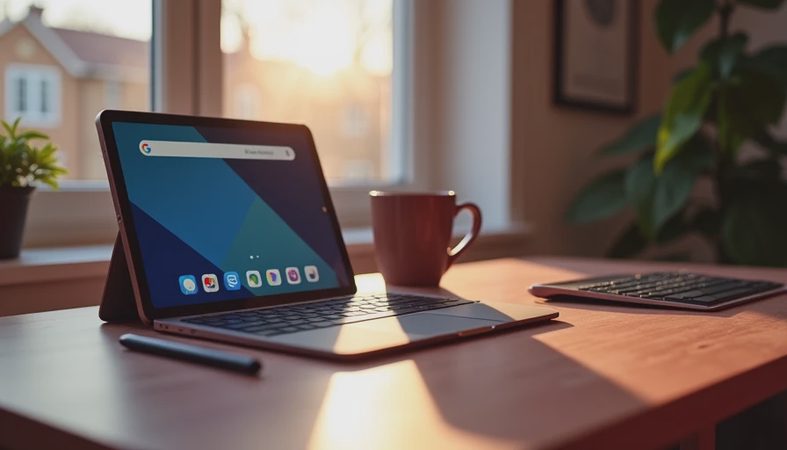
For couch use, a 10 inch tablet is comfortable in portrait orientation for books and browsing, then gives you a useful landscape view for YouTube or a video call. Add a basic case with a stand and you have a practical kitchen screen, travel companion, or bedside device. I would not call it a full laptop replacement for spreadsheets or serious writing, but it handles the tasks most people actually repeat every day.

The specifications that matter after the unboxing
Start with storage. A low-cost tablet offering 32GB might look attractive at $100 or less, but the operating system and preinstalled apps consume part of that space immediately. Families often fill the remainder with games, downloaded shows, photos, and school apps. I prefer at least 64GB for light use and 128GB if several people will share the device. A microSD card helps on some Android models, but it is not always a perfect substitute for internal storage.
Next, look at memory and the processor rather than chasing a high megapixel camera. Around 4GB of RAM is workable for basic browsing; 6GB or more feels less frustrating when switching between apps. Amazon Fire tablets can be excellent value for Prime Video and simple household use, while Samsung Galaxy Tab models generally offer a broader Android experience. Apple's entry-level iPad often costs more, but its app support and long software life are strong reasons for the higher price.
Screen quality, comfort, and battery reality
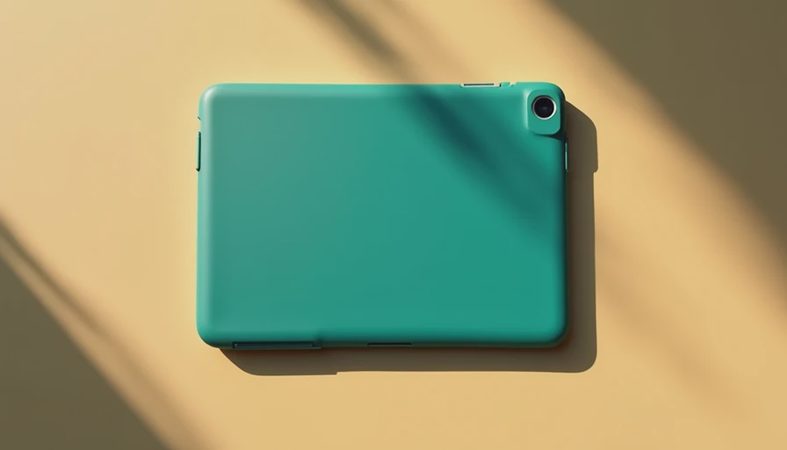
A bright, sharp display matters more than a dramatic camera specification. Text should look clean at normal reading distance, and viewing angles should remain usable when the tablet is propped on a stand. Cheaper screens can still be pleasant indoors, but glare becomes a problem near a sunny window. If a child will use the device, also budget $15 to $35 for a sturdy case and screen protector. Those accessories are cheaper than repairing a cracked corner.
Battery claims on product pages are usually based on controlled conditions. In my house, streaming video, gaming, Bluetooth headphones, and high brightness reduce that headline number quickly. A good 10 inch tablet should get through several hours of mixed use without making you hunt for a charger before dinner. USB-C charging is convenient, especially when everyone already uses the same cable. Before buying, check whether the charger is included; some models ship with a slow adapter or no wall plug at all.
Matching the tablet to the person using it
For children, simple controls and a durable case matter more than a premium finish. Amazon's Fire Kids products bundle parental controls and a protective case, which can make sense for younger users, though the interface and app selection are more limited than standard Android or iPad software. I still apply the Jonah test: can a seven-year-old open an approved game, adjust the volume, and return to a video without calling for help every five minutes? If not, the tablet is not family-friendly enough.
For students, prioritize Google Docs compatibility, a comfortable keyboard option, and enough storage for downloaded course files. A Samsung Galaxy Tab or iPad can work well when the student already uses that ecosystem. For seniors, larger text settings, clear speakers, reliable charging, and simple video calling are more important than gaming speed. A cheaper tablet that is confusing is not a bargain if it spends most of its life sitting unused.

What usually causes buyers to return it
The most common problems I saw were predictable. Someone bought a tablet with barely enough storage, then discovered that streaming downloads filled it before the first month ended. Someone else expected a $120 device to replace a Windows laptop. Parents sometimes skipped the case, and the first drop ended the experiment. I also saw buyers choose an unfamiliar operating system because a sale price looked irresistible, only to find that their favorite app or accessory was unavailable.
You can prevent most of those returns with a five-minute checklist. Confirm the operating system and app store. Check usable storage, not just the advertised capacity. Search the exact model for a case and keyboard before purchasing. Decide whether cellular connectivity is necessary; Wi-Fi is enough for most homes, while a cellular model adds a monthly data cost or a separate hotspot plan. Finally, inspect the return policy and keep the packaging until the device has passed a full week of normal use.
My practical buying recommendations
If the budget is tight and the main jobs are video, reading, recipes, and casual browsing, a current Fire tablet can deliver good value when its app limitations fit your routine. If you want a more flexible Android experience, look at Samsung's midrange options and avoid extremely old models sold with deep discounts. For buyers who want the smoothest long-term app support and already own Apple products, an iPad is often the least risky purchase, even when the starting price is higher.
The best 10 inch tablet is not automatically the one with the fastest chip or the brightest color. It is the one that starts quickly, has enough space, feels comfortable after thirty minutes, and fits the way your household actually uses technology. I have been wrong before when I focused too much on specifications and not enough on daily friction. A dependable charger, good case, familiar software, and sensible storage beat a flashy deal that creates complaints two weeks later.
Final advice before you buy
Write down the three tasks the device must handle, then choose around those tasks. If those tasks are streaming, reading, and browsing, spend less on processing power and more on screen comfort and storage. If they include drawing, schoolwork, or heavy multitasking, move up to a better processor and consider a stylus or keyboard. If you are buying for another person, ask what phone and services they already use before choosing.
Take the return period seriously. Install the real apps, test Wi-Fi in the room where the tablet will live, try the speakers, and read for twenty minutes without a case or stand hiding an ergonomic problem. That practical trial tells you more than a spec sheet. When a 10 inch tablet passes those tests at a price you can live with, you have probably found a device that will still feel useful after the novelty wears off.


No comments yet — be the first to share a thought.