
The Alexa Tablet 8 is usually a buyer's shorthand for Amazon's compact Fire tablet with Alexa built in, not a distinct product line called exactly that. That distinction matters because Amazon has sold several Fire HD 8 generations, and the processor, storage, charging port, and Alexa features can change between them. I've processed more tablet returns than most reviewers have published reviews, and this is the first thing I tell shoppers: identify the generation before you trust the listing.
For the right buyer, the Alexa Tablet 8 is an inexpensive screen for Prime Video, Kindle books, recipes, music, and simple games. It is not an iPad replacement, a serious drawing machine, or a fast productivity computer. At sale prices around $55 to $90 for a current or recent Fire HD 8, it can be a sensible second tablet. At a much higher price, the compromises become difficult to excuse.
What the Alexa Tablet 8 actually is
Amazon's Fire HD 8 typically uses an 8-inch HD display, a modest mobile processor, 2GB or more of RAM depending on the generation, and either 32GB or 64GB of internal storage. Some storage is consumed by Fire OS and preinstalled apps, so the 32GB model does not give you 32GB of free space. A microSD card can expand storage for downloaded movies, music, and books, though apps do not always behave as neatly when moved to removable storage.
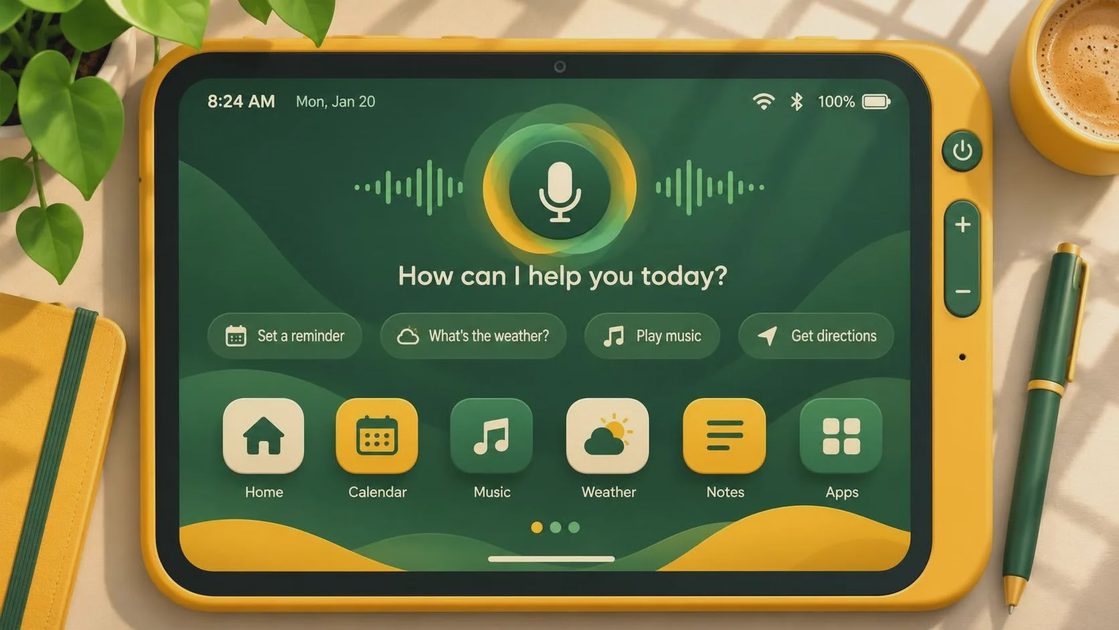
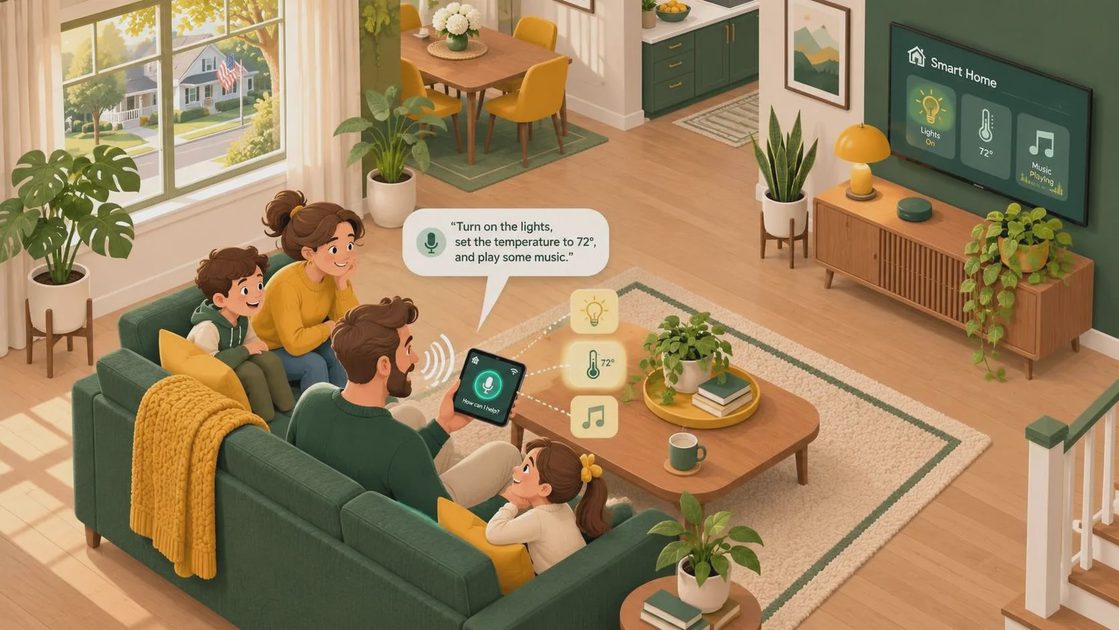
Alexa is the useful part of the package, but expectations should stay realistic. You can ask for weather, timers, music, recipes, sports scores, and smart-home controls. On compatible models and settings, hands-free Alexa lets the tablet respond without tapping the microphone button. That is convenient in the kitchen, although the tablet still needs power and a reasonable Wi-Fi connection for many requests.
The name Alexa Tablet 8 can also lead shoppers toward old marketplace listings. Check the product year, USB-C versus micro-USB charging, included storage, and whether the seller is Amazon or an independent refurbisher. An attractive price does not help if the battery is worn out or the listing shows a photo from a different generation.
How it performs in everyday use
The Alexa Tablet 8 feels comfortable for one-handed reading and casual viewing. The 8-inch size is easier to carry than a 10-inch Fire tablet, and it fits on a nightstand or airplane tray without taking over the space. The display is serviceable indoors, with enough resolution for comics, recipes, YouTube, and standard-definition streaming. It is not especially impressive beside an iPad or a premium Samsung Galaxy Tab, particularly in brightness and viewing angles.
Performance is adequate when you keep the workload modest. Streaming Prime Video, checking email, browsing a few tabs, playing solitaire, and reading Kindle books are all within its lane. Menus can pause for a moment, especially after an update or when several apps are open. Fast action games, large web pages, and split-screen multitasking reveal the budget hardware quickly.
I use a simple test before recommending a low-cost tablet: open a streaming app, switch to a browser, return to the home screen, and launch a book. The Alexa Tablet 8 passes this routine, but it does not pass it with the instant response of a current iPad. That difference is annoying for a heavy daily user and barely noticeable for someone who wants a bedtime reader.
The Jonah test: is it good for kids?
Every tablet I test gets a painter's-tape label with a number and spends time in my seven-year-old son's hands. The Alexa Tablet 8 generally does well for children because Fire OS supports parental controls, separate child profiles through Amazon Kids, and limits for apps, video, and reading. A tough case is still essential. The tablet is affordable; replacing a cracked screen is not a bargain repair.
For a child who watches downloaded shows on road trips, reads graphic novels, or plays simpler games, the 8-inch format is practical. Parents should download content before leaving home rather than assuming every app will work offline. Amazon's app selection is smaller than Apple's or Google's, and some education apps, banking apps, and specialty games may be missing or less polished. You can install apps from other sources in some circumstances, but that is not a setup I recommend for a young child's first device.
The Alexa feature deserves a household conversation. Voice requests can be helpful for timers and music, but children may ask for purchases, videos, or answers you would rather review first. Use parental controls, purchase restrictions, and an appropriate profile before handing it over.
Battery life, cameras, and accessories
Battery life is one of the stronger reasons to consider the Alexa Tablet 8. Light reading and intermittent streaming can cover a day or more, while continuous video, gaming, and high brightness drain it considerably faster. Amazon's advertised runtime depends on settings and usage, so I treat it as a best-case ceiling rather than a promise for movie marathons.
The cameras are functional but not a selling point. They are fine for a basic video call in good light, yet the image is not comparable with a modern phone or premium tablet. If video calls are your main reason to buy, spend more on a device with better cameras and microphones. The built-in speakers are acceptable for podcasts and casual shows, though headphones make dialogue easier to follow in a noisy room.
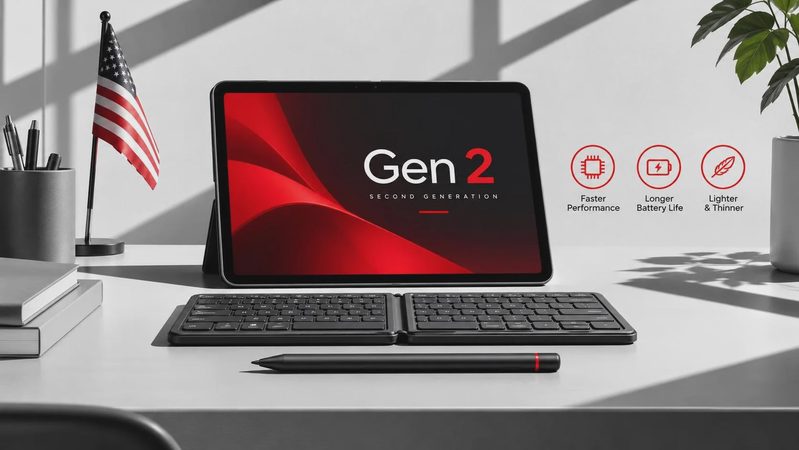
A case usually costs $15 to $35, and a microSD card can add another $10 to $25. Include those items in the real purchase price. A kid-friendly case with a handle is more valuable than a cheap screen protector that leaves the corners exposed. If the tablet will live in the kitchen, a stand or adjustable case is also worth budgeting for.
Alexa Tablet 8 versus the alternatives
The Alexa Tablet 8 makes the most sense when the price is below roughly $90 and your needs center on Amazon services. A Fire HD 10 gives you a larger screen and more comfortable split-screen reading, but it is less portable. A basic Samsung Galaxy Tab A9 or similar Android tablet usually offers broader access to Google Play, although pricing and software support vary. An entry-level iPad costs substantially more but delivers stronger performance, better app selection, and a longer-lasting premium feel.
There is also the used or refurbished market. A recent Fire HD 8 in clean condition can be a good value, but confirm the return period and battery condition. Avoid vague listings that say only “8-inch Alexa tablet.” That wording hides the generation and can leave you with an obsolete charger, limited storage, or a battery that lasts less than an afternoon.
My practical comparison is simple: choose the Fire HD 8 for inexpensive entertainment and reading, choose a larger Fire model for family viewing, and choose an iPad or Android alternative if apps and speed matter more than Amazon integration.
Who should buy it?
The Alexa Tablet 8 is a good fit for a Prime household, a senior who wants a straightforward reading and video device, a student needing a casual study screen, or a parent who wants an affordable travel tablet. It is also useful as a kitchen display for timers, grocery reminders, recipes, and music without putting your expensive phone beside a sink.
I would skip it for professional note-taking, digital illustration, demanding games, frequent video calls, or anyone who becomes frustrated by small delays. Those shoppers will be happier spending $150 to $350 on a more capable tablet instead of returning a cheap one after two weeks.
Before ordering, verify the generation, storage, charger, warranty, seller, and return window. Then compare the final price with a Fire HD 10 and a discounted Android tablet. The Alexa Tablet 8 is not exciting hardware, but it does not need to be. At the right price, it is an honest little screen that handles ordinary tasks without asking your wallet to do heavy lifting.

No comments yet — be the first to share a thought.