
If you searched for Yoga Tab Plus Gen 2, you probably found a product listing, a rumor, or a confusing comparison page promising Lenovo's next unusual tablet. I understand the appeal. The original Yoga Tab Plus combines a large, sharp screen with a useful built-in stand, and the Yoga name has always attracted people who want something more practical than a flat rectangle. The problem is that the Yoga Tab Plus Gen 2 is not a model I would buy based on a vague listing alone.
I spent eight years selling tablets and processing the returns afterward. I've seen what comes back. Most returns are not caused by a tablet being slow on a benchmark. They happen because the buyer ordered the wrong generation, expected a keyboard or pen in the box, or discovered that an imported model has poor warranty support. Here is how I would investigate this one before putting down money.
Is Yoga Tab Plus Gen 2 an official model?
Start with the model number, not the product title. Retailers and marketplace sellers sometimes add “Gen 2” to a page before Lenovo has clearly announced a US version. A legitimate listing should show a Lenovo model identifier, processor information, storage options, operating system, wireless bands, and a warranty that applies in the United States. If those details are missing, the title is doing too much of the selling.
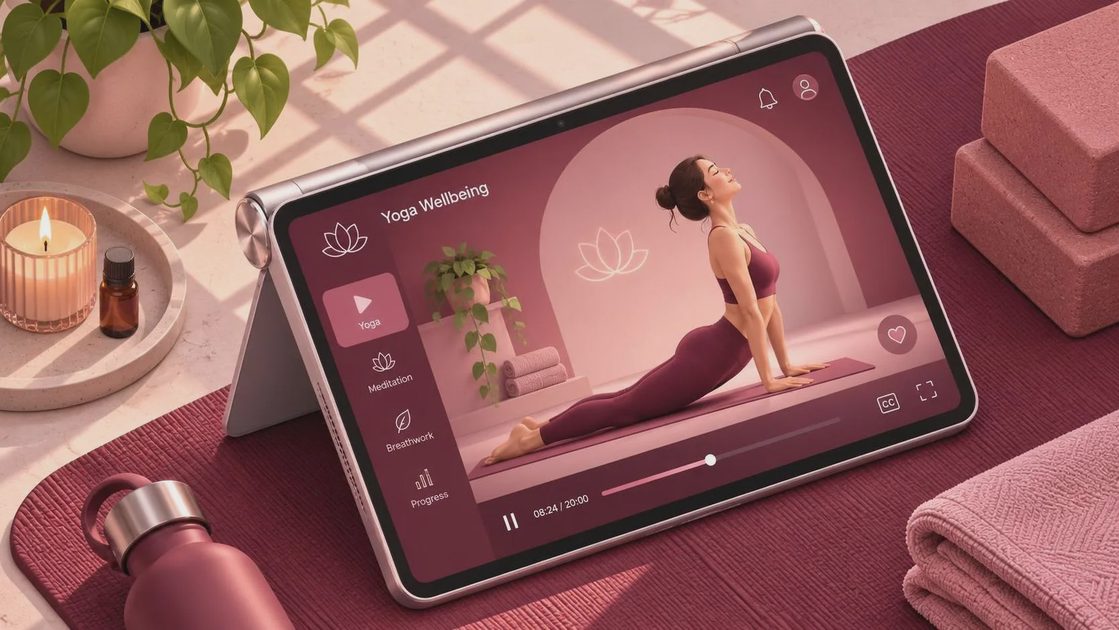
The original Yoga Tab Plus is a real Lenovo tablet with a distinctive design: a substantial rear section, an integrated kickstand, and a screen intended for entertainment and general productivity. A second-generation product would need to improve more than the processor. I would want to see clearer software support, a useful accessory ecosystem, reliable USB-C behavior, and a charger that is actually included. A larger number in the title does not automatically solve the frustrations owners had with the first model.
Also inspect the seller. Lenovo, Best Buy, Amazon sold directly by Amazon, and established electronics retailers provide a clearer path for returns than a marketplace account with limited history. A low price can disappear quickly if you must ship a defective tablet overseas or discover that the advertised warranty is only a seller promise.
What I would check before buying
For any Yoga Tab Plus Gen 2 listing, open the specifications section and compare it with the manufacturer page. Look for the exact display size and resolution, brightness, refresh rate, RAM, storage, battery capacity, and processor. Do not rely on phrases such as “flagship performance” or “next-level visuals.” Those are descriptions, not specifications.
Then check the practical details. Does it support the Google Play Store? Is the keyboard included, optional, or incompatible? Does the stylus come in the box? Can the USB-C port charge the tablet and connect an external display, or is it limited to basic data transfer? These questions matter more during a normal week than a small difference in benchmark scores.
Pay close attention to software. Lenovo tablets can offer a good mix of entertainment and productivity, but update schedules and regional software versions can differ. An imported tablet might arrive with a language you can change but still lack the right cellular bands, warranty coverage, or preinstalled services. I would rather pay $50 to $100 more for a documented US configuration than gamble on a listing that saves money only until the first problem.
What daily use should feel like
A large Yoga tablet makes the most sense on a kitchen counter, coffee table, or desk. The built-in stand is genuinely useful for watching Netflix, following a recipe, joining a video call, or keeping a child occupied during a long trip. That design is also why I would not treat it like a lightweight e-reader. The thicker rear section can make one-handed reading in bed less comfortable than it looks in product photos.
For schoolwork, the screen size is helpful, especially when a student needs a document beside a browser window. But the tablet only becomes a laptop substitute when the keyboard, trackpad, app support, and file handling are good enough. If the keyboard is a separate $100 to $200 purchase, include that cost before comparing it with an iPad, Samsung Galaxy Tab, or Windows laptop.
The Jonah test matters here. My seven-year-old can find weak speakers, awkward stands, poor parental controls, and charging cables that loosen after a few days. A tablet that survives a week of cartoons, drawing apps, accidental fingerprints, and repeated stand adjustments earns more confidence from me than one polished showroom demonstration.

Better alternatives if the listing feels uncertain
If you need a tablet now, consider the current Lenovo Yoga Tab Plus from an authorized seller rather than waiting for an unclear Yoga Tab Plus Gen 2 page to become real. It gives you a known configuration, a published support path, and a return policy you can actually use. That is usually worth more than being first to an unverified refresh.
Samsung's Galaxy Tab S9 FE is another sensible option for buyers who want a mainstream Android tablet, expandable storage, and a familiar accessory range. It is not the same shape and does not offer the same integrated stand, but its conventional design is easier to place in a case or hand to another family member. Apple's entry-level iPad remains a strong choice for people who prioritize long software support, broad app availability, and simple resale, although accessories can raise the final price.
For heavy typing, a Chromebook or inexpensive Windows laptop often makes more sense. A $300 to $500 laptop will not feel as elegant on the couch, but it handles browser tabs, school portals, spreadsheets, and file uploads with fewer workarounds. I have watched customers return expensive tablets after realizing their main task was writing papers in a web-based learning system.
A simple buying checklist
Before ordering Yoga Tab Plus Gen 2, confirm the exact Lenovo model number, US warranty, return window, charger type, storage capacity, and operating system. Save a screenshot of the listing, including the promised accessories and delivery condition. When the box arrives, record the unboxing if the seller is unfamiliar, inspect the seal, and verify the serial number before transferring your accounts.
Use the first week for real tasks rather than a five-minute setup. Test Wi-Fi in different rooms, Bluetooth headphones, video calls, streaming, charging, the stand, keyboard compatibility, and any pen you plan to use. Check whether your preferred apps install normally and whether the screen is comfortable at the brightness you can tolerate indoors. A return decision based on real use is more reliable than a spec-sheet argument.
Do not remove every protective film or throw away the packaging until you know the tablet works for your household. Retailer policies differ, and accessories can have separate return rules. Keep receipts and photograph any damage immediately.
My bottom line
The Yoga Tab Plus Gen 2 is a keyword I would investigate, not a product I would blindly pre-order. If Lenovo publishes a clear US model with meaningful processor, software, accessory, and support improvements, it could be worth considering. Until then, a verified current Yoga Tab Plus or a dependable Samsung, Apple, or Chromebook alternative is the safer purchase.
The best tablet is the one that still fits your routine after the excitement fades. Buy from a seller with a real return path, test the features you will use every day, and ignore a listing that refuses to identify exactly what is in the box. That approach has saved my readers more money than chasing the newest generation ever has.



No comments yet — be the first to share a thought.