The Honest Starting Point
Under two hundred dollars the goal is not to find a device that competes with a mid-range or premium tablet. The goal is to find the least frustrating option that still does a few core jobs well. I’ve watched people buy in this range with unrealistic expectations and then return the tablet when it failed to feel like a more expensive machine. I’ve also watched people buy with clear eyes and stay satisfied for years of light use.
I’ve seen what comes back. The under-$200 returns often shared the same story: the buyer wanted more than the budget could realistically deliver. The successes shared a different story: the buyer matched the device to a limited, well-defined set of tasks.
What You Can Reasonably Expect
At this price a tablet can handle streaming video, light web browsing, reading, simple games, and video calls. Screens are usually acceptable indoors. Batteries can get through a normal session if you manage brightness and connectivity. Software will be more limited and support will be shorter than on more expensive models.
What you should not expect is multi-year software polish, strong creative performance, premium build materials, or a screen that stays impressive in bright outdoor light. Those features cost more to deliver consistently.
The Recommendation I Give Most Often
In the under-$200 range I still point most people toward a current Amazon Fire tablet in the larger sizes, especially when it is on sale. The combination of usable screen size, simple interface options, decent content ecosystem for media, and the practical kids-or-basic-use profiles makes it the least disappointing daily experience for pure consumption tasks.
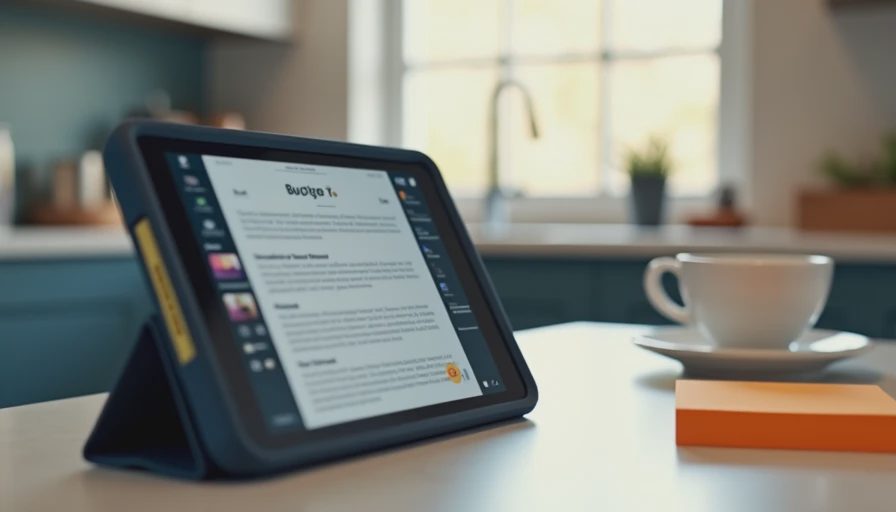
It is not a powerhouse. It is not a long-term software champion. It is a device that can sit on a kitchen counter, a nightstand, or in a kid’s hands and perform the basics without constant drama. For many households that is exactly the job that needs filling.
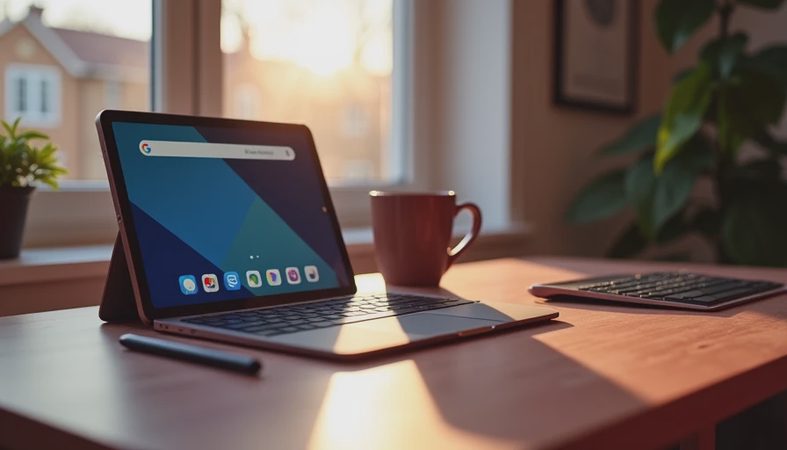
When a Fire model does not fit—because of Amazon ecosystem preference or a need for broader app access—I look at the better-reviewed generic or lesser-known Android tablets that occasionally hit this price with acceptable screens and basic Google services. Those require more careful research on recent owner reports, because quality control and update support vary widely.
Exactly What You Give Up
Buying under $200 means accepting a clear set of trade-offs:
Software support will be limited. Expect fewer years of meaningful updates. Security patches may slow or stop earlier than on mainstream mid-range devices.
Performance will feel adequate rather than smooth. Everyday apps work. Multitasking and heavier creative apps will show the limits quickly.
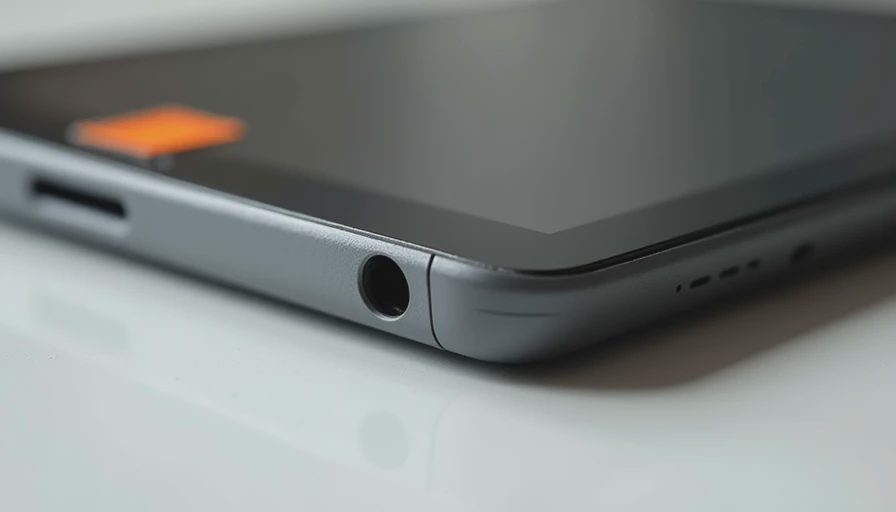
Build quality is functional, not refined. Ports and buttons are more likely to loosen over time. Frames feel less solid in the hand.
Screen quality is indoor-first. Brightness and outdoor visibility are usually the first places the budget is felt.
Storage and expandability vary. Some models offer expandable storage, which helps. Others force tighter management of downloads.
These are not hidden flaws. They are the normal cost of the price tier. The people who stay happy are the ones who walk in already accepting them.
Who This Budget Actually Serves
The under-$200 tablet works best for:
Secondary media devices around the house
Younger kids when paired with strong parental controls and a protective case
Simple video-call and photo-viewing tools for relatives
Readers who want a larger screen than a phone without spending mid-range money
It is the wrong tool for students who need reliable multitasking and long-form writing, for artists who need responsive stylus performance, or for anyone who wants a device that will still feel current in three years.
How to Buy Without Regret
Decide the primary job before you look at models. If the job is “kitchen video and recipes” or “shared family streaming,” the budget tier can succeed. If the job is “main productivity device,” keep saving.
Once you buy, set expectations inside the household. Treat it as a limited tool. Use the available parental or guided controls if children will use it. And test it thoroughly inside the return window for the specific tasks you care about.
I also recommend a simple case even at this price. Drops still happen, and the cost of protection is low compared with replacing the unit.
The Longer Perspective
Some under-$200 tablets surprise owners by lasting longer than expected for light duties. Others decline into frustration within a year as software ages and small hardware issues appear. The difference usually comes down to how well the original purchase matched the actual use case.
I’ve seen what comes back. The most common under-$200 regret was not that the tablet was cheap. It was that the buyer hoped it would behave like a more expensive one. Clear eyes at the start prevent most of that disappointment.
If your needs are simple and your budget is firm, a carefully chosen tablet under $200 can still be a practical tool. Just buy it for what it is, not for what the higher tiers offer. That single adjustment makes the difference between a device that stays useful and one that ends up back in a box.



No comments yet — be the first to share a thought.