The Only Comparison That Matters
Parents keep asking the same question: “Which kids’ tablet should I actually buy?” The answers online usually split into three camps—Amazon Fire, iPad, or some Android option with a colorful case. I’ve run all three styles through the same real-world filter: a full week (and often longer) in Jonah’s hands, plus the everyday chaos of a house with a four-year-old sister who wants in on the action.
I’ve seen what comes back from stores. I’ve also seen what survives a seven-year-old who treats every device like it owes him entertainment. The gap between marketing claims and daily reality is still wide.
This is the practical comparison after living with the main options, not a lab test under perfect conditions.
Amazon Fire Kids Tablets: The Budget Default
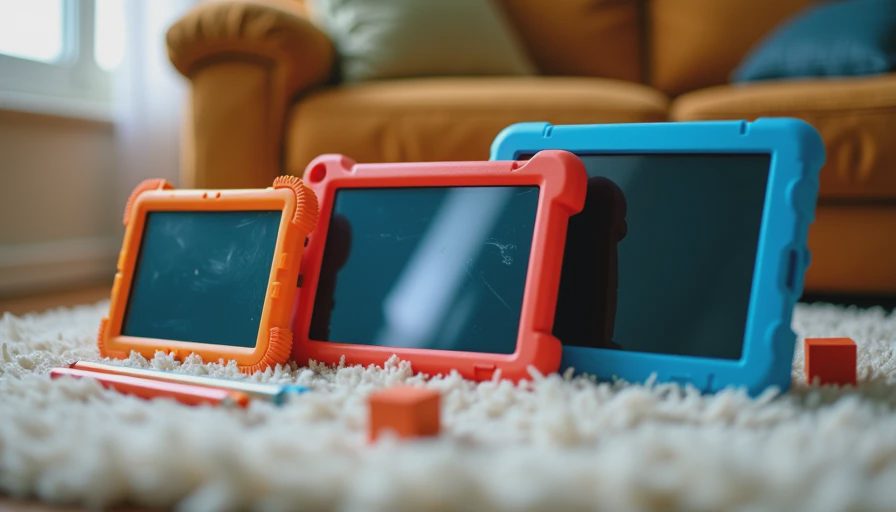
The Fire Kids models remain the easiest recommendation when the budget is tight and the child is younger. The current versions still come with the thick, colorful cases, the two-year worry-free guarantee that actually covers a lot of kid damage, and a content ecosystem that is simple for parents to lock down.
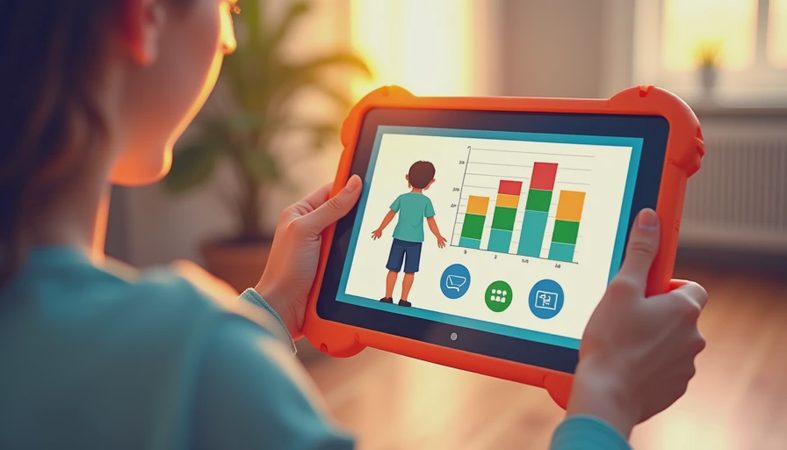
Jonah can navigate the interface without help. The parental controls are straightforward. And when (not if) the tablet takes a hard fall, the replacement process is less painful than most competitors.
The trade-offs are real. The screens are acceptable but not great in bright rooms. Performance is fine for videos, basic games, and reading apps, but it starts to feel limited once a child wants to do more creative work or run multiple apps. Storage fills up faster than you expect if you download a lot of content. And the Amazon ecosystem, while convenient, is still an Amazon ecosystem—ads and recommendations appear even with controls in place.
For pure media consumption and younger kids, the Fire remains the value play. For anything beyond that, most families eventually outgrow it.
iPad (Base Model) with Kids Accessories: The Long-Term Pick
When parents ask me for the tablet that will still feel usable in three or four years, I keep pointing to a current base iPad paired with a good kids’ case and Apple’s Screen Time controls.
The screen is better. The performance stays smoother for longer. App quality is consistently higher. And software support stretches further than almost anything else in the kids’ tablet conversation. Jonah can draw, read, watch, and mess around with creative apps without the device feeling sluggish after a year.
The downsides are cost and the need for extra setup. You pay more up front. You need a solid case (the official ones are good; some third-party options are cheaper and still effective). And you have to put in the time to configure Screen Time and Family Sharing properly. Once that’s done, the controls are strong—but they are not quite as “set it and forget it” as Amazon’s kid profiles.
I’ve watched base iPads survive multiple years of kid use with only cosmetic wear. That longevity changes the math. The higher purchase price starts looking more reasonable when the same device still works well for an older sibling later.
Android Kids Tablets: The Mixed Middle
The Android side is where things get uneven. Some manufacturers ship solid mid-range tablets with decent kids’ modes and customizable controls. Others still feel like generic hardware with a colorful launcher stuck on top.
The better Android options can match or beat the Fire on screen quality and performance while undercutting the iPad on price. Parental control apps have improved, and some manufacturers now offer their own kid-focused software layers that are genuinely useful.
The risk is support and consistency. Android tablets as a group still show wider variation in how long they receive updates and how well the kids’ features hold up over time. I’ve tested units that felt excellent for the first six months and then started showing the usual lag and battery wear. Others have stayed surprisingly competent.
If you go Android, buy from a brand with a proven track record of multi-year updates and read recent owner reports about the specific kids’ software. The hardware is often fine. The long-term software experience is the bigger variable.
How the Jonah Test Separates Them

After multiple weeks with each style, a few practical differences kept appearing.
Drop survival favors the Fire when it still has its thick case on. Once cases come off for cleaning or replacement, the iPad’s build quality usually feels more reassuring. Screen visibility in daylight favors the iPad. Simple locked-down video and reading time favors the Fire. Creative apps, drawing, and longer-term usefulness favor the iPad. Android sits in between—capable when you pick well, frustrating when you don’t.
Battery life across all three has been acceptable for normal kid sessions when the devices were new. The iPad models I’ve tracked have generally aged more gracefully on the battery front after the first year.
My Straight Recommendations for 2026
Younger kids, tight budget, mostly video and reading: current Fire Kids model with the included case and warranty.
Want one tablet that can grow with the child for several years: base iPad plus a robust kids’ case and proper Screen Time setup.
Middle budget and willingness to research: a well-reviewed mid-range Android from a brand that still supports its tablets, paired with strong parental control apps.
I don’t recommend chasing the most expensive “rugged” models unless you have a specific need. The thick cases help, but they can’t fix laggy software or a battery that declines fast. A solid mainstream tablet in a good case usually survives real kid use better than the marketing suggests.
The Parent Reality Check
No kids’ tablet stays pristine. Screens get smudged. Cases get chewed on. Charging cables disappear. The goal is not perfection. The goal is a device that still works, still stays within the controls you set, and still feels worth handing over after months of normal family chaos.
I’ve seen what comes back. The tablets that stay in the house longest are the ones that matched the child’s actual age and usage instead of the parent’s hope for a perfect digital babysitter. Pick the option that fits the next two or three years of real life, set the controls once, and accept that some wear is part of the deal.
That’s the comparison after living with them. Not the most exciting answer, just the one that keeps matching what actually happens on the living-room floor.


No comments yet — be the first to share a thought.