The kindle fire hd 10 is still one of the easiest tablets to recommend when the goal is simple: watch shows, read books, browse the web, and keep the price under control. I spent eight years processing tablet returns at a big-box electronics store, and I can tell you why this one came back. It was rarely because the screen failed. More often, buyers expected an iPad experience from an inexpensive Amazon tablet.
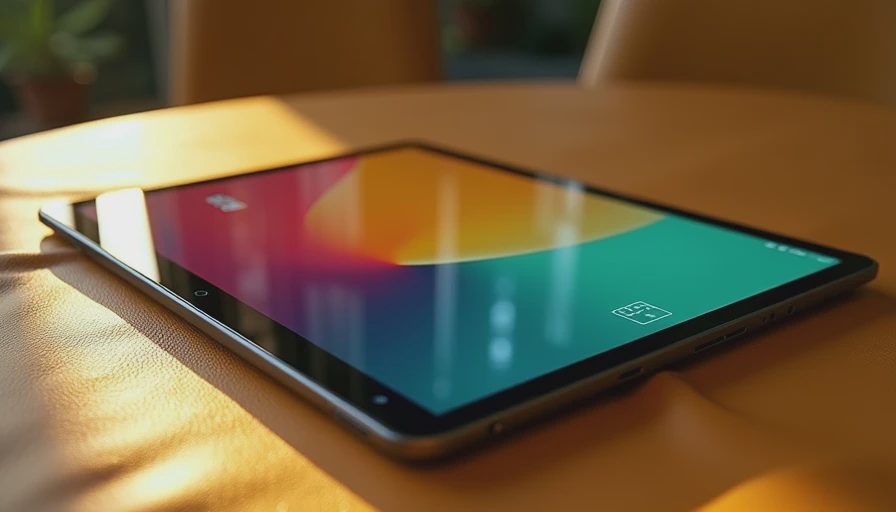
That distinction matters. The kindle fire hd 10 is a practical entertainment tablet with a bright 10.1-inch display, decent speakers, USB-C charging, and a friendly price when discounted. It is not a laptop replacement, a serious drawing workstation, or the best choice for someone who needs every Android app. I've seen what comes back, so here is the useful version of the story.
What the kindle fire hd 10 does well
For the usual tablet jobs, this device is comfortable. Netflix, Prime Video, YouTube, Hulu, Disney+, Kindle books, web browsing, email, and casual games all fit its intended purpose. The large screen is easier to share than a phone, while the body remains light enough to carry from the couch to the kitchen. Text is readable, and video looks sharp enough for a movie night without making you feel like you bought a toy.
Battery life is another reason families tend to like the kindle fire hd 10. A child can use it for a road trip, then an adult can pick it up for reading later. Actual endurance depends on brightness, downloads, Bluetooth, and game use, but it generally handles several hours of mixed activity without drama. Charging over USB-C is also less annoying than keeping track of an older micro-USB cable.
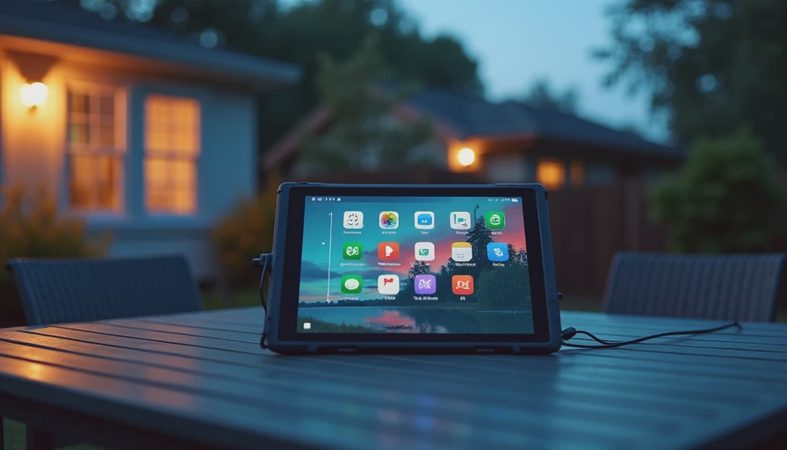
The software is straightforward once you understand the trade. Amazon organizes the home screen around its own services, including Prime content, Kindle books, Audible, and the Amazon Appstore. That integration is convenient for an Amazon-heavy household. It is less convenient if you expect a standard Google Play tablet.
The compromises that send buyers back
The biggest issue is app selection. Fire OS is based on Android, but the normal Google Play Store is not included in the standard setup. Many popular services are available through Amazon's store, yet some apps are missing, delayed, or less polished than their Google Play versions. If you depend on Google Classroom, specific banking tools, a work app, or a favorite game, search for it before ordering.
You can find unofficial instructions for adding Google Play, but I do not treat that as a simple fix for every buyer. Sideloading involves downloading files, changing settings, and accepting more responsibility for security and updates. A technically confident owner might be comfortable with it. For a parent buying a first tablet for a grandparent, it can turn a bargain into a support call.
Performance is adequate rather than exciting. Apps open, video streams, and light games work well, but heavy multitasking exposes the budget hardware. Switching between a browser with many tabs, a video call, and a large game can produce delays. The kindle fire hd 10 feels best when you use it as an entertainment screen, not when you ask it to imitate a midrange laptop.
The cameras are another reality check. They are usable for occasional video calls in good light, but this is not a tablet you buy for photography. The front camera can look soft, especially indoors. That is fine for a quick family call; it is not ideal for someone whose school or work depends on frequent video meetings.
Is it good for kids and families?
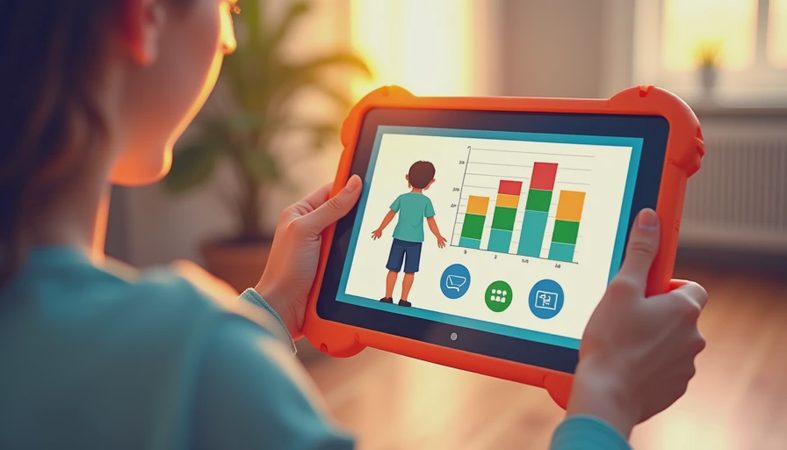
Usually, yes, with a case and realistic expectations. Amazon's parental controls allow adults to manage profiles, screen time, age filters, and access to content. A child can have a separate profile instead of browsing through an adult's email and shopping account. That separation is one of the practical reasons the kindle fire hd 10 remains popular with parents.
I use what I call the Jonah test: can a seven-year-old use it for a week without turning every afternoon into technical support? With a rugged case, the answer is generally yes for videos, reading apps, and simple games. The case is not optional in my house. A $20 to $40 protective cover is cheaper than replacing a cracked screen, and a raised edge helps when the tablet lands face-first on the floor.
For younger children, consider storage carefully. Downloaded shows, audiobooks, and games consume space faster than expected. If the tablet supports expandable storage on the version you buy, a reputable microSD card can help with media, although not every app handles external storage equally well. Do not assume a memory card makes the device faster; it mainly gives you room.
How it compares with other tablets
The kindle fire hd 10 makes the most sense when the sale price is around the lower-to-mid $100 range. At that price, it is a strong living-room screen and a sensible child tablet. Amazon frequently changes promotions, so compare the current price with alternatives rather than treating the list price as sacred.
A Samsung Galaxy Tab A9+ usually offers broader Android app compatibility and a more conventional Google experience, though its price can climb with more storage or a bundle. A base iPad costs substantially more, but it has stronger performance, longer software support, and access to a wider tablet app catalog. The Lenovo Tab M series can be appealing when discounted, especially for buyers who want standard Android without paying Apple prices.
The kindle fire hd 10 wins on simplicity for Amazon subscribers and families that mostly stream, read, and browse. Samsung or Lenovo is usually the safer choice for Google services. An iPad is the better long-term investment for demanding apps, creative work, and people already using iPhones and Macs. Paying extra only makes sense when you will actually use those advantages.

Which version and accessories are worth buying?
Start with storage. The smaller option works for streaming, but downloaded content fills it quickly. Choose more storage if the tablet will travel, serve children, or hold games and offline video. A case should be part of the budget from day one. Look for a covered corner design, a textured grip, and a stand that does not collapse when a child taps the screen.
A Bluetooth keyboard can make short emails and school assignments easier, but do not mistake the setup for a full laptop. The screen and software can handle light writing; extensive spreadsheets, video editing, and professional multitasking are better on a computer. A screen protector is useful in a family home, though a sturdy case generally prevents more damage than a thin film.
The ad-supported and ad-free purchase choices deserve attention too. A lower upfront price can mean promotional content appears on the lock screen. Paying the removal fee later is possible on some Amazon devices, but buyers should know what they are choosing at checkout. The savings can be worthwhile if you do not mind the ads.
Who should buy the kindle fire hd 10?
Buy it if you want an affordable screen for streaming, Kindle reading, recipes, travel entertainment, or basic browsing. It is especially sensible for an Amazon Prime household, a child with parental controls, or a backup tablet that does not need to replace your phone or computer.
Skip it if your must-have apps require Google Play, if you want console-style gaming, or if you expect a tablet to last as your primary work machine. In those cases, spend more on a Samsung Galaxy Tab, a Lenovo model with standard Android, or an iPad. The extra money buys fewer software compromises, not just a nicer logo.
My final advice is simple: write down the five apps you use most, check their availability, add the cost of a case, and compare the sale price with two alternatives. The kindle fire hd 10 is a good value when its limits match your routine. It becomes a bad deal only when you buy it hoping the limits will somehow disappear.



No comments yet — be the first to share a thought.