Shopping for the best tablets for kindergarteners is less about finding the fastest processor and more about avoiding the return counter. A five-year-old does not care about benchmark scores. They care whether the screen starts their game quickly, whether the case feels comfortable, and whether the tablet survives an accidental launch from the couch. After eight years in a big-box electronics department, I've processed more tablet returns than most reviewers have published reviews. I've seen what comes back.
What matters more than impressive specifications
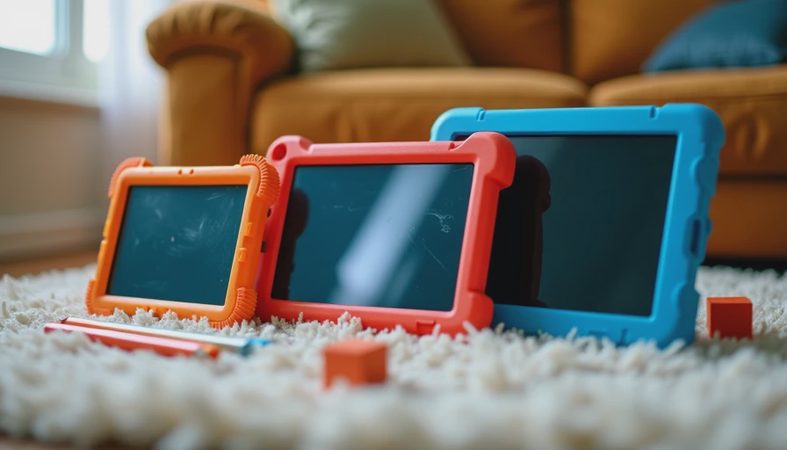
The first requirement is durability. Kindergarteners carry devices with one hand, leave them on the floor, and occasionally test gravity from a kitchen chair. A thick case with a raised bezel matters more than an extra gigabyte of memory. For most families, plan on spending $15 to $35 on a sturdy case even if the tablet is marketed as kid-friendly. A handle is useful for younger children, while a built-in stand helps during car trips and video calls.
The second requirement is predictable software. Android tablets can offer excellent value, especially Amazon Fire models, but the interface should be tested before you hand it over. The Apple iPad is usually easier for families already using iPhones, and its parental controls are straightforward once Screen Time is configured. A budget Samsung Galaxy Tab can be a reasonable middle ground, with a familiar Android interface and access to Google Play. None of these choices is automatically perfect; the best fit depends on what your family already uses.
Battery life also deserves attention. A tablet that reaches 10 percent before lunch creates arguments, particularly on travel days. Look for a model that can handle several hours of video and learning apps without constant charging. USB-C charging is convenient because the cable is common, but confirm whether the included charger is powerful enough. Some inexpensive tablets ship with slow chargers, turning a routine recharge into an overnight project.

The best tablets for kindergarteners by family type
For the lowest-cost option, Amazon's Fire HD 10 Kids is often the sensible starting point. It usually includes a protective case, a kid-focused interface, parental controls, and a subscription trial for children's content. The screen is large enough for picture books and streaming, while the price is commonly far below an entry-level iPad. The tradeoff is that the Amazon app store does not offer every Google Play app. If your child needs a specific school application, verify compatibility first.
For families wanting a longer-lasting device, the standard iPad is the safer premium choice. It costs more, particularly after adding a case and Apple Pencil, but it tends to receive software support for years and has a broad selection of educational apps. A basic iPad with 64GB can work for a child who mainly streams, reads, and uses a few games. If several children will share it, or if you plan to download many videos, extra storage becomes more valuable than accessories.
Samsung's Galaxy Tab A9 or a similar entry-level Galaxy Tab can suit households that prefer Android without committing to Amazon's ecosystem. The interface is more flexible, and Google Play access is a meaningful advantage. Do not expect the same performance as an iPad. Loading large games or switching between several apps can feel slower, but reading, video, drawing, and ordinary learning activities are generally comfortable.
How I judge kindergarten tablets after the unboxing
A good recommendation begins with setup, not a spec sheet. I install the apps a child is likely to use, sign in to parental controls, download a few videos, and turn off unnecessary notifications. Then I hand the device to a child and watch what causes confusion. Tiny icons, unclear back buttons, and aggressive purchase prompts create more trouble than a modestly slower processor.
My family calls this the Jonah test. The tablet has to survive a week in my seven-year-old's hands, including school-night use, car rides, and the inevitable moment when it is left under a couch cushion. My four-year-old, Ivy, is even less gentle, so a case and screen protector are part of the test rather than optional extras. A device that works beautifully for an adult can still be frustrating for a kindergartener.
Heat and sound are worth checking, too. Some inexpensive tablets become warm during extended video playback, and small speakers can sound harsh at maximum volume. Set a reasonable volume limit before handing over the device. Headphones are useful on airplanes, but wireless models introduce another battery to charge and can be easy for small children to lose.
Parental controls that are actually useful
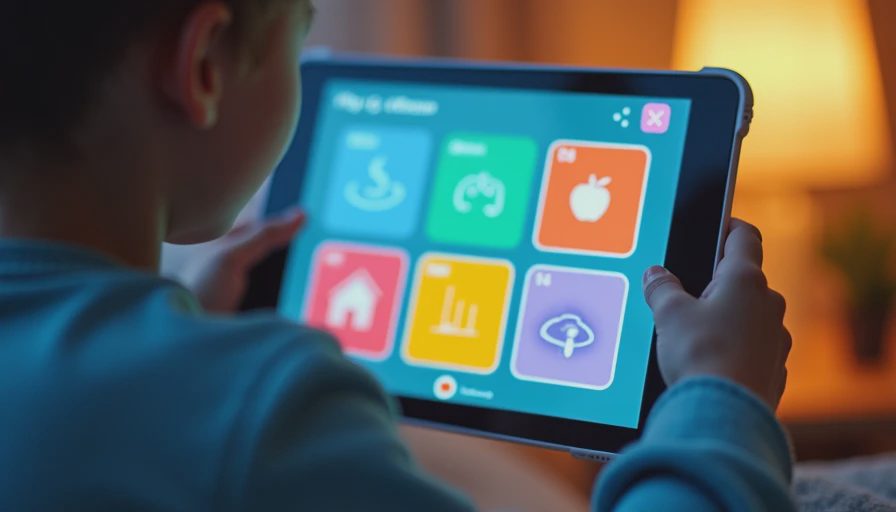
Parental controls should do more than block one website. Set a daily schedule, require approval for purchases, restrict mature content, and review which apps are installed. On an iPad, Screen Time can limit categories and downtime. Amazon's child profiles are designed around age filters and time limits. Android's Google Family Link can help parents manage app approvals and screen schedules.
Create the child's profile yourself before the first handoff. Use a parent account protected by a passcode the child cannot guess, and avoid saving payment information where an accidental tap could start a purchase. For video services, create a child profile rather than relying only on the tablet's general settings. Controls differ between apps, so Netflix, YouTube, and game stores each deserve a quick review.
A tablet should not replace sleep, outdoor play, or conversation. Set charging and storage rules that are easy to follow: the device lives in one drawer, charges there after use, and does not travel into bed. These simple habits reduce lost chargers and late-night negotiations.
Hidden costs and the return-counter test
The advertised tablet price is rarely the complete budget. Add $20 for a case, $10 to $20 for a screen protector, and possibly $30 to $80 per year for an optional content subscription. Apple accessories can raise the total quickly, while Amazon's kid bundles often include more in the box. A $120 tablet can become a $200 purchase after protection and services; knowing that before checkout prevents buyer's remorse.
The best tablets for kindergarteners are not necessarily the cheapest models on a sale page. Extremely low-cost tablets often return because they feel sluggish, run out of storage, or show constant promotional content. Before buying, check storage, app availability, warranty terms, and whether the case is included. Also confirm the return window and keep the packaging until the child has used the device for several days.
My practical buying recommendation
If you want a straightforward, lower-risk family purchase, start with a Fire HD 10 Kids bundle when its app selection meets your needs. Choose a standard iPad if long software support, app availability, and easy sharing matter more than price. Pick a Galaxy Tab when Google Play and Android flexibility are priorities. In every case, budget for protection and spend 20 minutes configuring controls before the first cartoon begins.
The best tablets for kindergarteners are the ones a child can use independently without turning every session into technical support, while an adult can manage safely from the next room. Ignore the loudest specification claims. Buy the screen size your child can hold, the ecosystem your household understands, and the case that looks slightly overbuilt. That combination is much more likely to feel like a smart purchase after two weeks than a shiny bargain that ends up in the return line.


No comments yet — be the first to share a thought.