The fire hd 10 tablet is one of those devices that looks almost too easy to recommend. The price is usually far below an iPad, the 10.1-inch screen is comfortable for streaming, and Amazon makes setup simple for anyone already using Prime. But I've processed more tablet returns than most reviewers have published reviews, and the reasons people bring this one back are predictable. It is a good bargain for the right buyer, not a universal replacement for a laptop or iPad.
What you actually get for the money
The current fire hd 10 tablet offers a full-size 10.1-inch display, enough storage for common apps and downloads, USB-C charging, Wi-Fi connectivity, and access to Amazon's Fire OS. Depending on the version and sale, storage and memory can differ, so read the listing carefully instead of relying on a product photo. Amazon frequently discounts Fire tablets, and a sale price in the roughly $100 to $160 range changes the value equation considerably.
The screen is the star. It is large enough for Netflix, Prime Video, YouTube, digital magazines, recipes, and video calls without feeling like you are squinting at a phone. Text is also more comfortable for casual reading. The plastic body will not feel luxurious beside an iPad, but it is light and less stressful to hand to a child. A basic case can cost $15 to $30 and is money well spent because the corners and screen are more likely to meet the floor than a specification sheet suggests.
Performance is acceptable for everyday tasks. Apps open with some patience, browsing is fine with a reasonable number of tabs, and downloaded video playback is smooth. It is not the tablet I would choose for demanding 3D games, serious digital art, or heavy multitasking. The useful distinction is this: the hardware is inexpensive, but it is not useless. It handles a narrow set of jobs well.
The software limitation people discover late
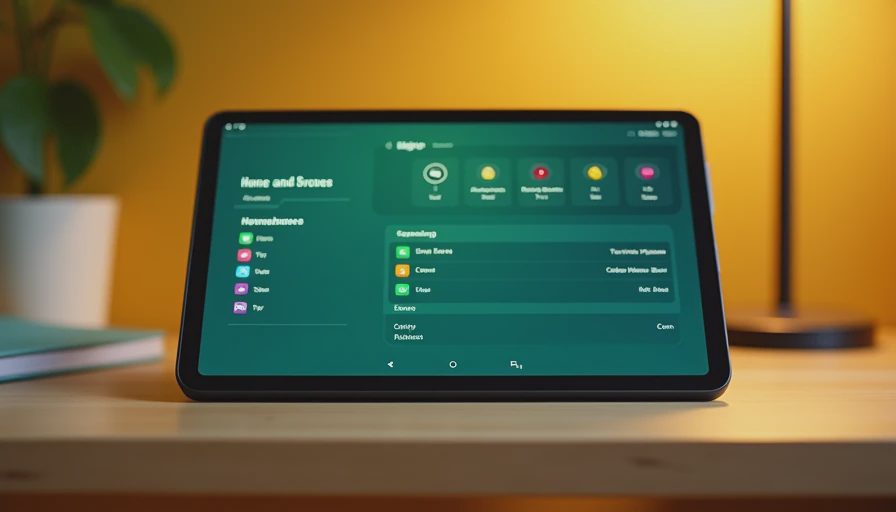
The biggest reason the fire hd 10 tablet gets returned is Fire OS, not the display. Fire OS is based on Android, but it does not include the regular Google Play Store out of the box. Amazon's Appstore has many familiar services, including streaming and shopping apps, but its catalog is smaller. Some apps are missing, arrive later, or offer a less polished experience than their Google Play versions.
For a household centered on Amazon services, that may be perfectly manageable. Prime Video, Kindle, Audible, Amazon Photos, and Alexa-related features fit naturally into the interface. For someone who expects every Android app to work exactly as it does on a Samsung Galaxy Tab, frustration arrives quickly. Installing the Play Store through unofficial methods is possible, but I do not recommend it for a casual buyer who wants a dependable family device. Updates, permissions, and troubleshooting can become your problem.
This matters especially for students. Before buying, check whether the required school apps, testing tools, cloud storage services, and communication platforms are available in the Amazon Appstore. A tablet that saves $100 at checkout is not a bargain if it cannot run the one application a student needs every morning.
Who should buy it
The fire hd 10 tablet makes sense for a parent who wants a screen for travel, a senior who mainly watches videos and reads news, or an adult who wants a simple couch device. It is also useful as a kitchen companion for recipes and timers. With a Bluetooth keyboard, it can handle short emails, online forms, and light note-taking, although the keyboard does not turn Fire OS into Windows.
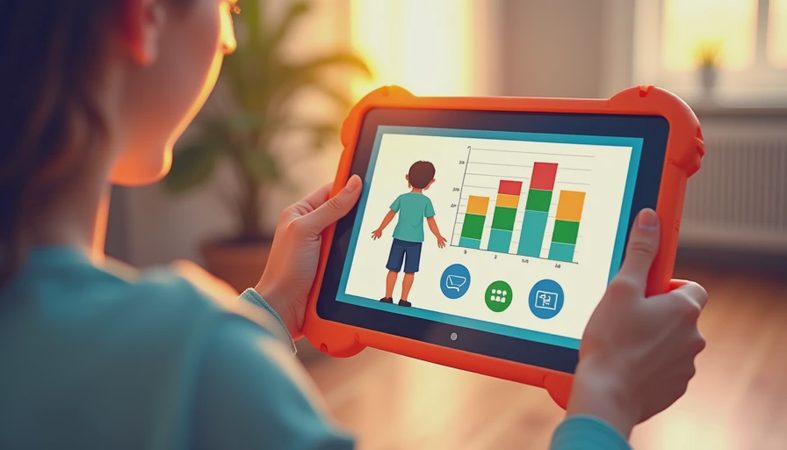
It passes what I call the Jonah test when expectations are realistic. A seven-year-old can watch downloaded cartoons, play simple games, read kid-friendly books, and use a rugged case without you worrying about a four-figure repair bill. Amazon's parental controls can help manage profiles and screen time, though parents should still review individual app permissions and in-app purchases.
The value is strongest when the tablet has one or two defined jobs. Streaming plus reading is a good match. Streaming, schoolwork, advanced gaming, photo editing, and laptop replacement is too ambitious. I have seen what comes back, and overbuying the wrong type of device is more common than buying too little power.

Where the fire hd 10 tablet falls short
Do not expect iPad-level app polish, desktop-style multitasking, or a premium aluminum build. The cameras are serviceable for video calls but not a reason to buy the device. Speakers are adequate for a bedroom or kitchen, though headphones make a noticeable difference in a noisy room. Storage can also become tight if several people download movies and games, so the microSD card option is worth considering when supported by the specific model.
Battery life is usually good for ordinary mixed use, but brightness, video streaming, games, and an aging battery all affect runtime. Charging is not instant, either. That is normal for this price category, but shoppers sometimes compare a discounted Amazon tablet with a much more expensive premium model and expect identical convenience.
The lock-screen advertising option can also affect the buying experience. Amazon has sold versions with ads and versions without them, or offered a paid removal option. Check the exact configuration before placing the order. Ten dollars or more spent later to remove something you disliked from day one is an avoidable surprise.
Fire HD 10 versus pricier alternatives
A Samsung Galaxy Tab A-series model is usually the better fit if access to Google Play is nonnegotiable. It often costs more, but the familiar Android ecosystem can save time and frustration. An entry-level iPad costs substantially more and may need a separate case, yet it offers stronger performance, longer software support, and a broader tablet app selection.
A refurbished iPad can be tempting, but check battery condition, storage, return terms, and seller reputation. If your budget is capped near $150, the fire hd 10 tablet remains one of the more sensible new options. If you can spend $250 to $350 and plan to keep the device for several years, comparing Samsung, Lenovo, and refurbished Apple models is worthwhile.
The key is not to compare benchmark numbers in isolation. Write down the three things you will do most often. If those are video, reading, and simple games, the Amazon model may be all the tablet you need. If they are drawing, school software, and multitasking, spend more before the first frustrating week.
How to buy without regretting it
Start by checking the generation, storage capacity, ad status, and included accessories. Confirm that the seller has a clear return policy, then price the case and microSD card before deciding whether the deal is truly cheap. During major Amazon sales, compare the discounted price with nearby Samsung or Lenovo options rather than assuming the badge means value.
When it arrives, test Wi-Fi, speakers, charging, screen response, camera quality, and every required app during the first few days. Download a movie, open a book, connect headphones, and try the tablet in the room where you actually plan to use it. If the app ecosystem already feels restrictive, discovering that immediately is much better than finding out after the return window closes.
My final take is straightforward: buy the fire hd 10 tablet for affordable streaming, reading, light games, and family use. Skip it if Google Play, intensive work, or premium performance is central to your day. It is not exciting, and that is part of its appeal. At the right price, it is a practical screen that does a few jobs without demanding a large budget.


No comments yet — be the first to share a thought.