
The Galaxy Tab S12 Ultra is the kind of tablet that can dominate a product page before it ever earns a place on your desk. Samsung’s Ultra branding suggests a huge display, serious performance, and a premium price. But after eight years handling tablet sales and returns, I have learned that impressive specifications do not guarantee a comfortable everyday device. I have processed more tablet returns than most reviewers have published reviews, and the reasons are usually practical: weight, awkward accessories, poor app fit, or a price that never felt justified.
If you are considering the Galaxy Tab S12 Ultra, start with the buying decision rather than the marketing. Confirm the release status, final price, storage options, included accessories, software support, and return policy. A large Android tablet can be excellent for drawing, multitasking, and media, but it is not automatically the best choice for school, travel, or casual browsing.
What the Ultra name should mean
Samsung’s Ultra tablets are generally positioned above standard Galaxy Tab models. That usually means a larger screen, stronger hardware, better cameras, more storage choices, and a design aimed at people who want a tablet to replace part of a laptop setup. The Galaxy Tab S12 Ultra will need to justify that positioning through more than a bright display and a long specification sheet.
The first question is physical size. A tablet around the 14-inch class can look fantastic on a desk, especially for split-screen documents or a movie in bed. It can also feel ridiculous on a couch, in an airplane seat, or while standing in a kitchen. Add a keyboard cover and a protective case, and the package can become closer to a lightweight laptop than a grab-and-go tablet.
This is where return experience matters. Customers often came back excited about the screen but tired of holding the device. Before buying, measure your current laptop or tablet and imagine carrying something larger. If you cannot comfortably picture using it without a table, a smaller Galaxy Tab may serve you better.

Display and performance: impressive is not the same as useful
A premium Samsung display is likely to be one of the strongest reasons to consider the Galaxy Tab S12 Ultra. A large OLED panel can make streaming video, comics, photo editing, and digital art feel far more immersive than a basic LCD tablet. Deep blacks and strong contrast also help when using the device in a dim room.
The tradeoff is that a large high-resolution screen can consume more power, especially at high brightness. Battery life depends on brightness, wireless use, games, video calls, and background apps. Do not treat a manufacturer’s battery estimate as a promise for your routine. A student taking handwritten notes for several hours may see a different result from someone watching downloaded video with Wi-Fi disabled.
Performance deserves the same practical test. A fast processor is useful when opening several apps, editing large images, or using Samsung’s desktop-style multitasking tools. It matters less if your routine is email, YouTube, reading, and a few browser tabs. Paying extra for maximum performance makes sense when the tablet replaces a computer, not when it becomes an expensive television remote.
S Pen, keyboard, and the real ownership cost
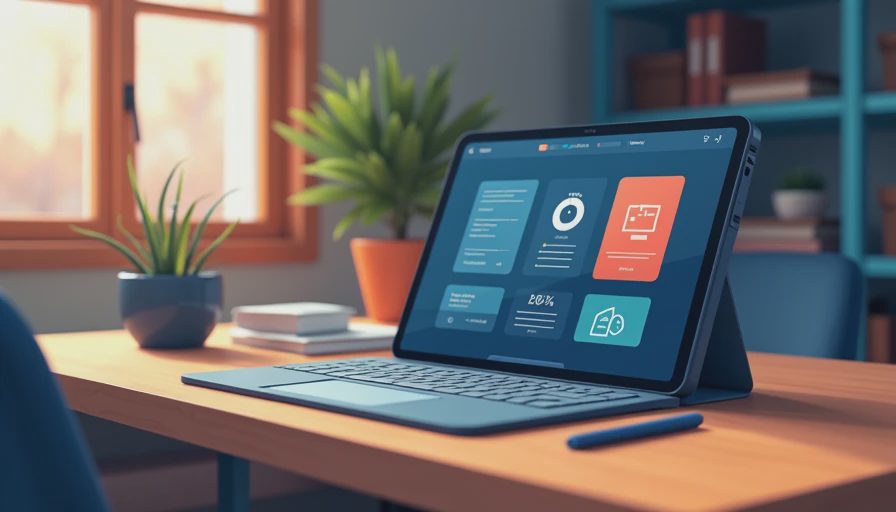
The Galaxy Tab S12 Ultra may look like a complete productivity system in advertisements, but buyers should separate the tablet from the accessories. Determine whether an S Pen is included, whether the keyboard cover is sold separately, and whether a case protects the corners without making the device even heavier.
For drawing, pen latency and palm rejection matter more than a dramatic camera bump. Test the apps you actually use, such as Clip Studio Paint, Concepts, Samsung Notes, or another preferred sketching tool. Android tablet app support has improved, but not every creative or professional workflow matches an iPad or Windows laptop. A student should also check whether required school software works in a browser or needs a desktop installation.
Keyboard accessories can add roughly $100 to $350 depending on the design and sales price. A cheaper Bluetooth keyboard may be fine at a desk, while a fitted cover is more convenient for travel. Add those costs before comparing the Galaxy Tab S12 Ultra with a laptop or a smaller tablet bundle.
Who should buy it, and who should look elsewhere
The Galaxy Tab S12 Ultra makes the most sense for a buyer who wants a very large Android screen and has a clear reason to use it. Digital artists, multitaskers, travelers who download movies, and people who want a secondary work display are the strongest candidates. It can also suit a household tablet role when several people value a big screen for recipes, video calls, games, and streaming.
It is a weaker fit for children, commuters, and anyone who mostly uses one hand. The Jonah test in my house is simple: can a seven-year-old use it without treating it like a piece of furniture? A large Ultra model can pass the durability test with a good case, yet still fail the comfort test. Younger children often do better with a smaller, less expensive tablet that is easier to hold and replace.
Seniors should focus on weight, speaker clarity, font scaling, and charging convenience. A large display can improve readability, but only if the device is not too tiring to hold. Parents should budget for a case, screen protection, and accidental damage risk rather than assuming a premium tablet will survive ordinary family chaos.
How to compare the price honestly
Do not compare the Galaxy Tab S12 Ultra only with other flagship tablets. Compare the complete setup. Write down the tablet price, keyboard, case, storage tier, cellular service if offered, and any subscription you need. Then compare that total with a Galaxy Tab model one size smaller, an iPad Air or iPad Pro, and a Windows 2-in-1 in the same spending range.
A discounted older model can be the smarter purchase if it has enough performance for your apps and still receives security updates. Samsung’s trade-in promotions can change the calculation, but a large discount is not a bargain if you buy storage you do not need or accessories you never use. I have seen customers save $200 on a tablet and then spend most of it rebuilding the package they actually wanted.
Check the return window before opening every accessory. Keep the boxes, photograph the condition, and test the device during the first week in the places where you plan to use it: a desk, couch, bed, and travel bag. That routine exposes comfort problems quickly.
My buying checklist and final advice
Before ordering the Galaxy Tab S12 Ultra, verify five things: the product is officially available from a seller you trust, the final price includes the storage level you need, the pen is included or budgeted separately, your essential apps run properly, and the tablet’s weight fits your normal routine. Also confirm warranty coverage and whether cellular connectivity is actually useful for you.
If you want the biggest Android tablet and can explain exactly why, the Galaxy Tab S12 Ultra deserves serious attention. If your reason is simply that Ultra sounds better, pause. A smaller premium tablet may feel faster to use, easier to carry, and less expensive after accessories. The best tablet is not the one with the most impressive launch presentation; it is the one you still reach for after the return window closes.
That is the standard I use after living with dozens of tablets and watching thousands come back: buy for your daily habits, not for a specification argument. I've seen what comes back, and oversized tablets usually return because the owner underestimated the physical tradeoff. Take that measurement first, then decide whether this Ultra model earns the space in your bag and your budget.
No comments yet — be the first to share a thought.